17
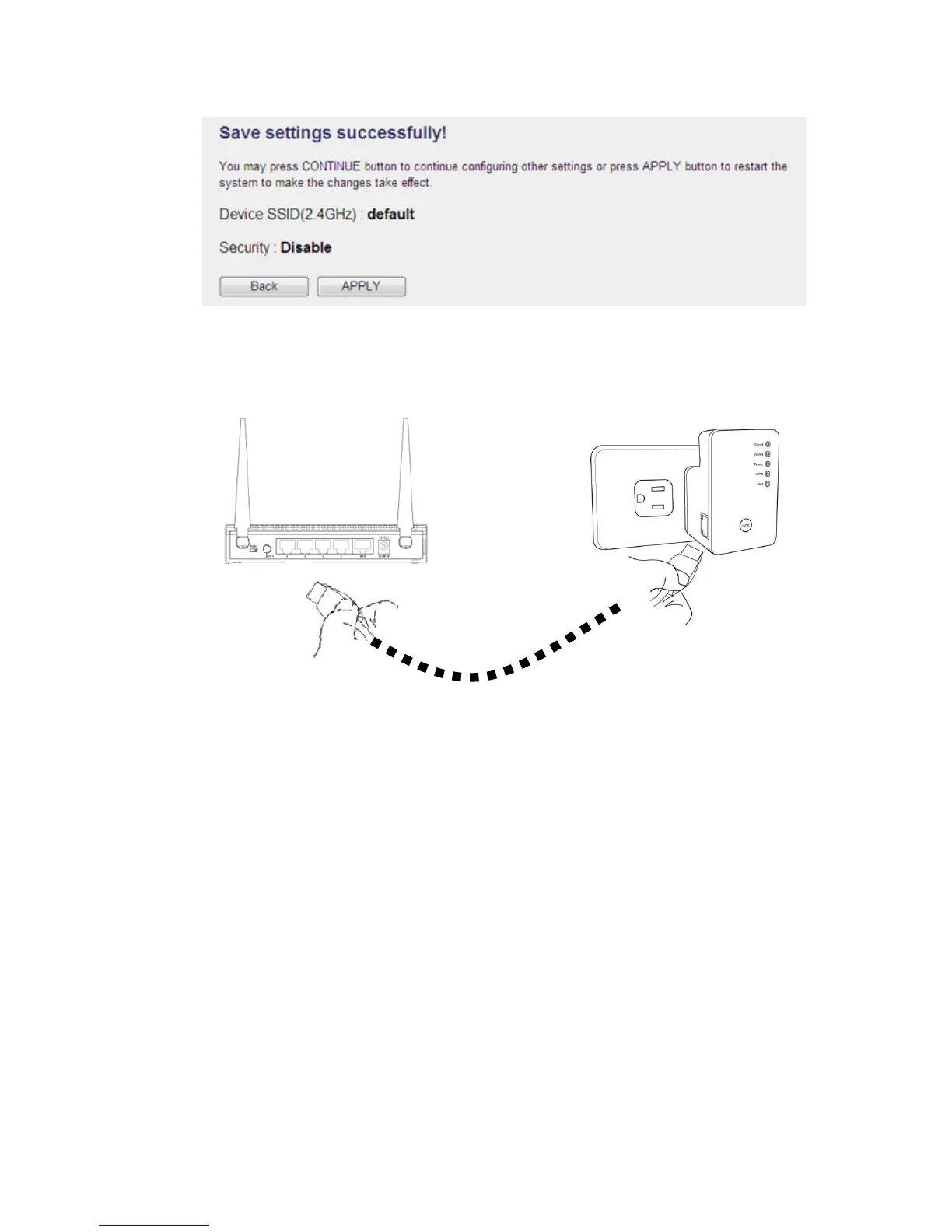
(6) Connect your Range Extender to the LAN port on your Wired or Wireless router
with an Ethernet cable; start to enjoy your wireless connection!
2-1-3 Client mode setup
Before you setup this Range Extender, please make sure the mode swtich set to
“Client” side, and please make sure your Wireless Router you want to connect with
this Range Extender support DHCP service for Wireless.
(1) Connect the Range Extender and your PC with an Ethernet cable.



 To Next Page