13
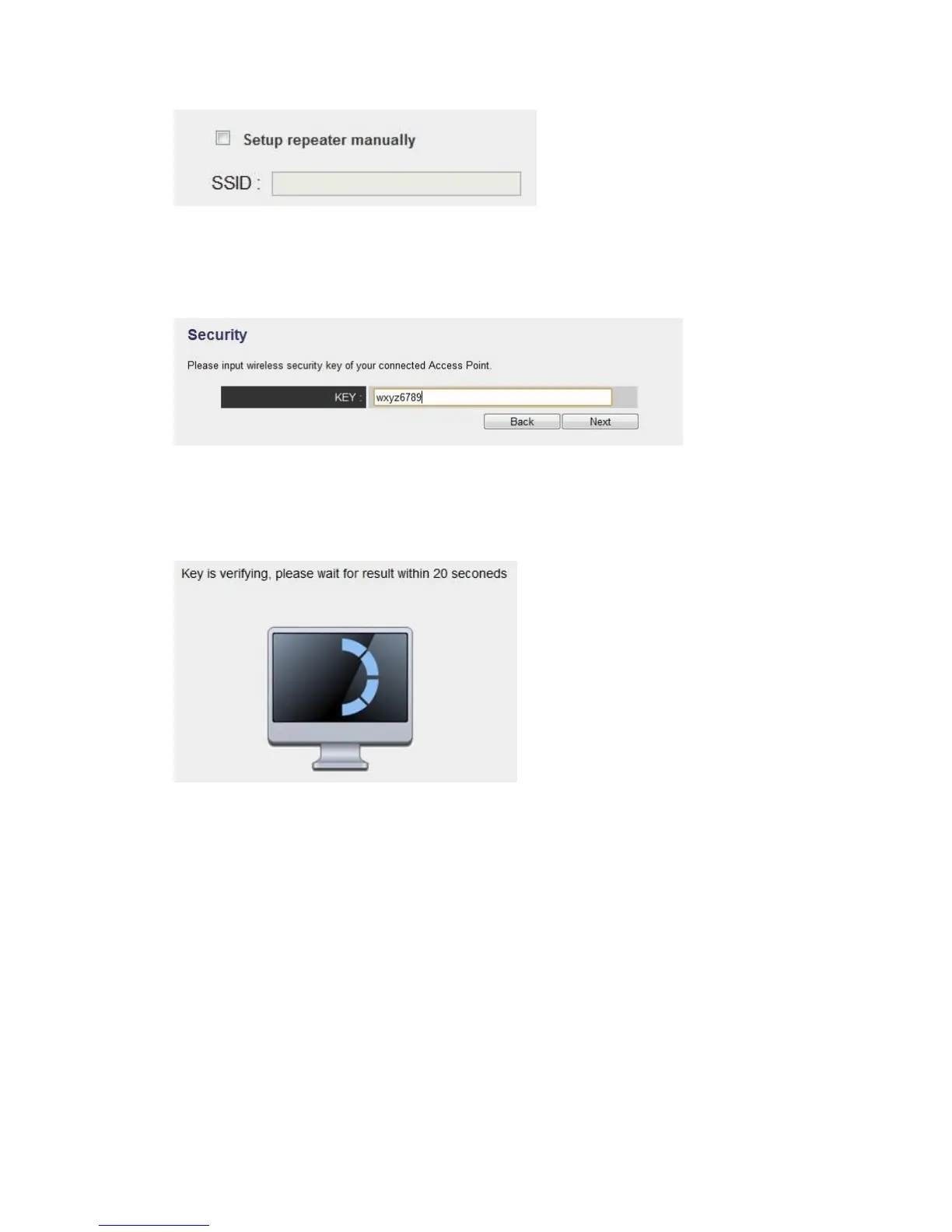
(5)You’ll be prompted to input wireless router’s wireless security key, input it in
‘KEY’ field and click ‘Next’ to continue.
(6)It will start to verify the wireless key with your associated wireless router and show
you result within 20 seconds. Please follow the instruction to continue setup.
(7)When key is correct, this Range Extender will display the information for you, you
can press “Yes” button to setup another band, or press “No” to the bridge setup



 To Next Page