12
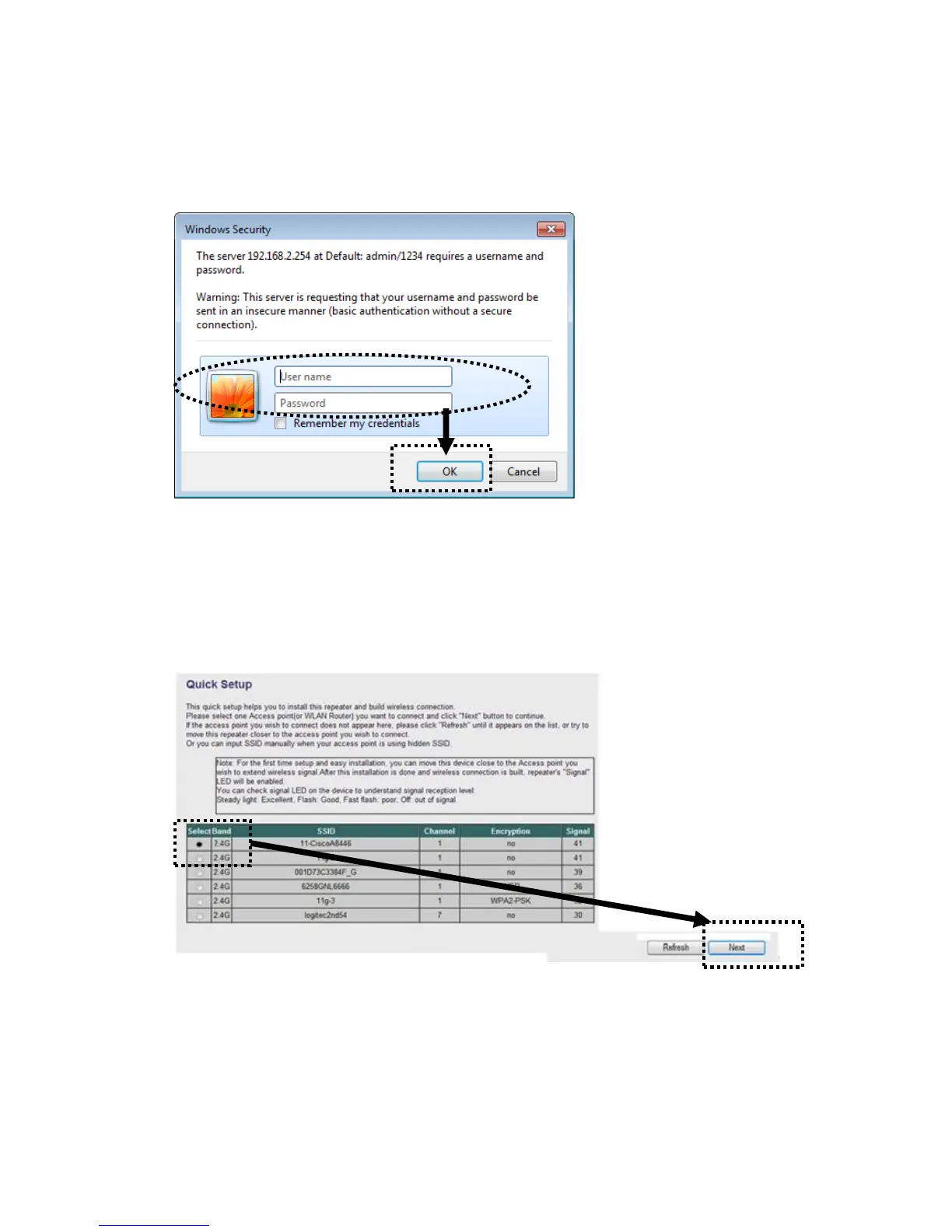
(3) Wireless repeater will prompt you to input username and password. Default
username is ‘admin’ and password is ‘1234’. Click ‘OK’ button to continue.
(4) All wireless routers nearby will be displayed on the list. Select one wireless router
you want to connect and click ‘Next’ button to continue. If the wireless router you
wish to connect does not appear here, please click ‘Refresh’ until it appears on the
list, or try to move wireless repeater closer to the wireless router you wish to
connect.
If you want to connect to a hidden wireless router, you can select to input SSID
manually.



 To Next Page