19
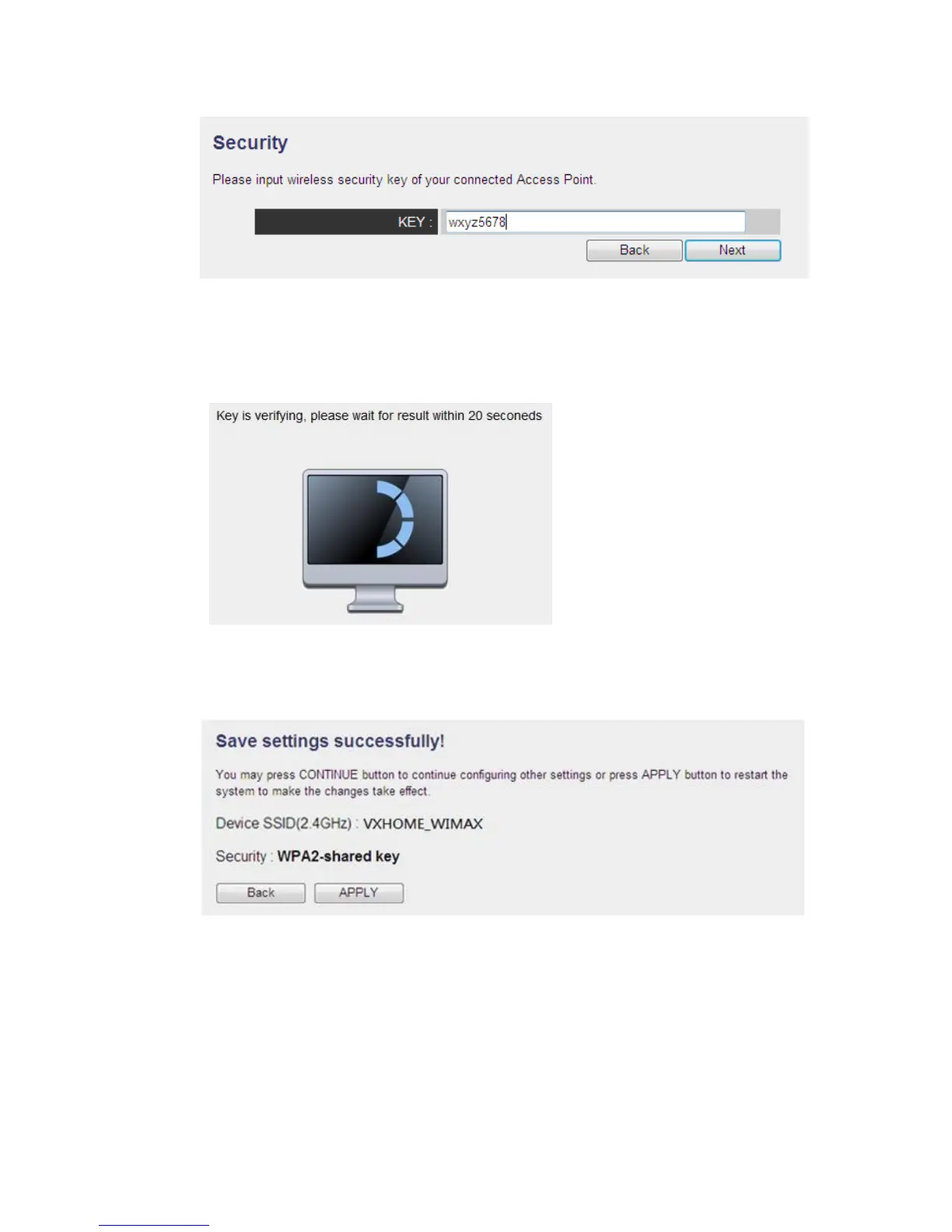
(4) It will start to verify the wireless key with your associated wireless router and
show you result within 20 seconds. Please follow the instruction to continue setup.
(5) When key is correct, this Range Extender will display the information for you
(6) System will restart to make your settings work
(7) Remove the Ethernet cable from the Range Extender, and connect the Range
Extender with the device you want to connect (Ex: Smart TV) with an Ethernet
cable, then your device will have the ability of wireless connection! Then you can
enjoy the networking



 To Next Page