23
a. Password settings: Change the default password to login the repeater.
b. Management IP: The IP address to login the repeater, You can select
“Obtain the IP address automatically” (default value) or set the IP address
manually by select “Use the following IP address”
c. DHCP Server: Setup the DHCP server manually, it’s disable in the default,
if you want to setup this function, you select “Use the following IP
address” in the Management IP option.
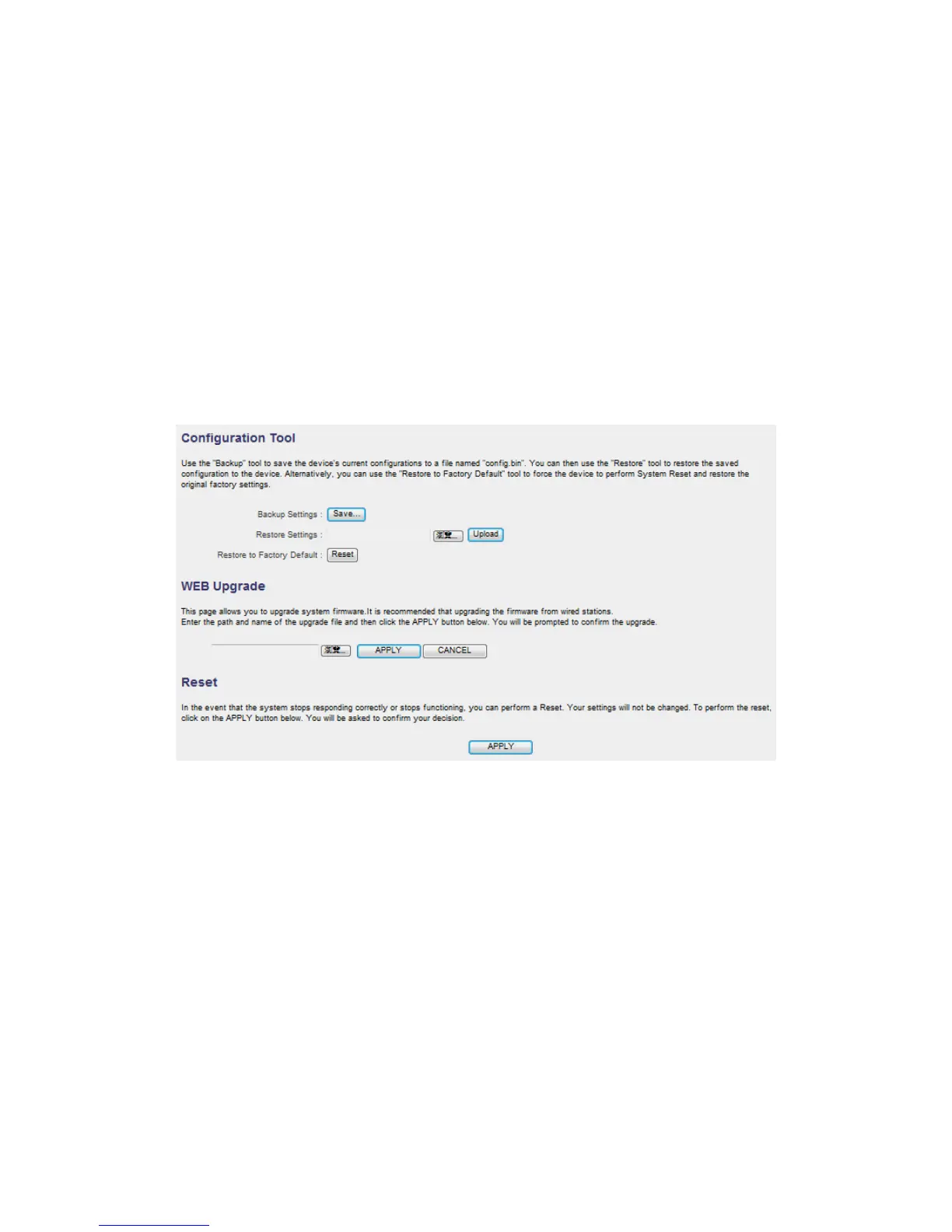
D. Configuration :
a. Configuration Tool: to save (download) , upload or reset all the settings to
factory default value here.
b. WEB Upgrade: to use the “Browse” button to select the firmware file,
then press “APPLY” button, you can start to update the firmware to this
repeater, while you update the firmware, please do not turn off the power
of the repeater.
c. Reset: Reset this repeater without change any settings.



 To Next Page