6
EN
SETTING UP YOUR OAKCASTLE BX200
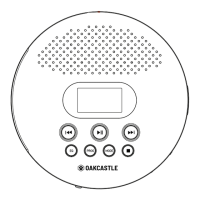
Please note that the instructions within this manual will refer to the unit button
number e.g (Ref.*number*) in accordance with the diagrams on pages 4-5.
CONNECTING AND POWERING THE UNIT
AC Power (Mains power)
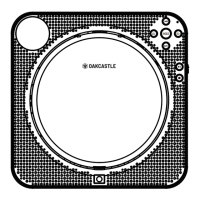
Using the power cord provided, plug one end into the back of the unit (Ref.5) and
plug the other end into a mains socket. Press and hold
(Ref.14
DC Power (Battery power)
On the bottom of the radio, remove the battery cover.
Insert 4 x 1.5V size ‘D’ (LR20) batteries (not included).
Ensure the polarities of batteries are according to indications marked.
Close the battery compartment. Press and holdRef.14)
Battery Precautions
If the radio is not used for a long period of time, remove the batteries to prevent
damage due to possible battery leakage.
Do not try to recharge batteries as they can overheat and rupture. Follow all
battery manufacturer instructions.



 To Next Page