8
EN
CD MODE
Playing a CD
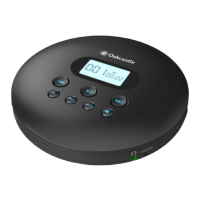
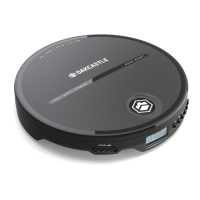
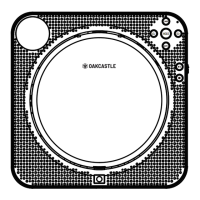
Insert a CD into the unit by opening the disc door (Ref.1) and placing a disc into
the unit and pressing a disc onto the spindle.
Ref.14) until ‘CD’ is shown
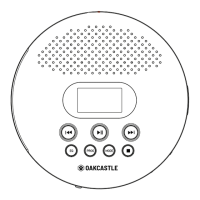
on the display. Press ‘Play’ (Ref.7) to begin playing a CD.
Controls and Functions: CD
Press Play/Pause/Stop/Scan (Ref.7) to play or pause. Press and hold the Play/
Pause/Stop/Scan button (Ref.7) to switch the playback mode between Repeat One
Double press (Ref.7) to stop the CD.
Press ‘Previous’ (Ref.8) to skip to previous track. Press and hold (Ref.8) to fast
rewind.
Press ‘Next’ (Ref.16) to skip to next track. Press and hold (Ref.16) to fast forward.


 To Next Page