Instruction Manual CON 6/TDS 6
24
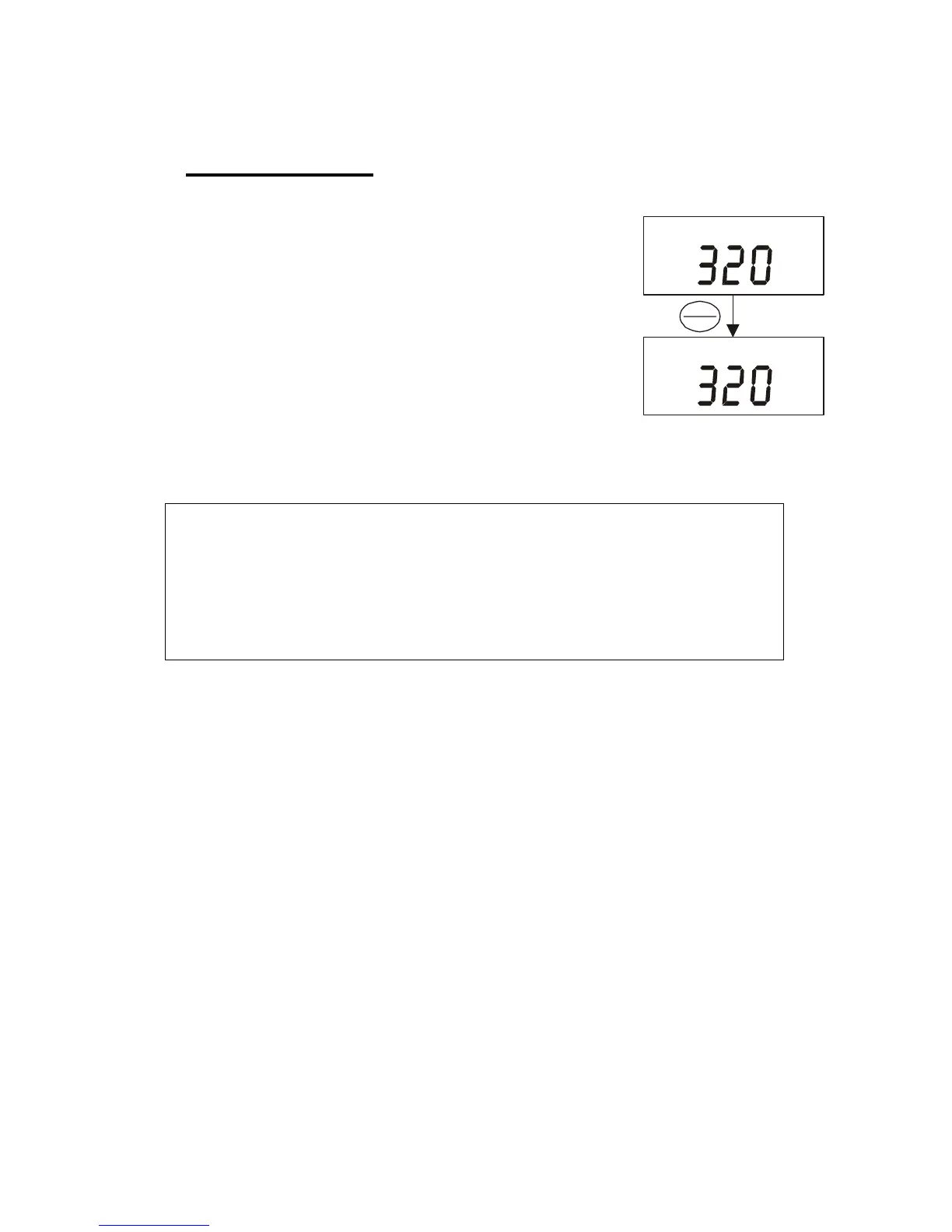
5.5 HOLD Function
This feature lets you freeze the display for a delayed
observation. HOLD can be used any time in
measurement mode.
1) To hold a measurement, press the HOLD key
while in measurement mode. [HO] will appear on
the display.
2) To release the held value, press the HOLD
again. Continue to take measurements.
NOTE:
This meter shuts off automatically after 20 minutes of nonuse.
If the meter is shut off either automatically or manually, the
HOLD value will be lost.
S
µ
S
µ
HOLD
ENTER
HO



 To Next Page