15
Use Océ Doc Works to print PDF files
[1]
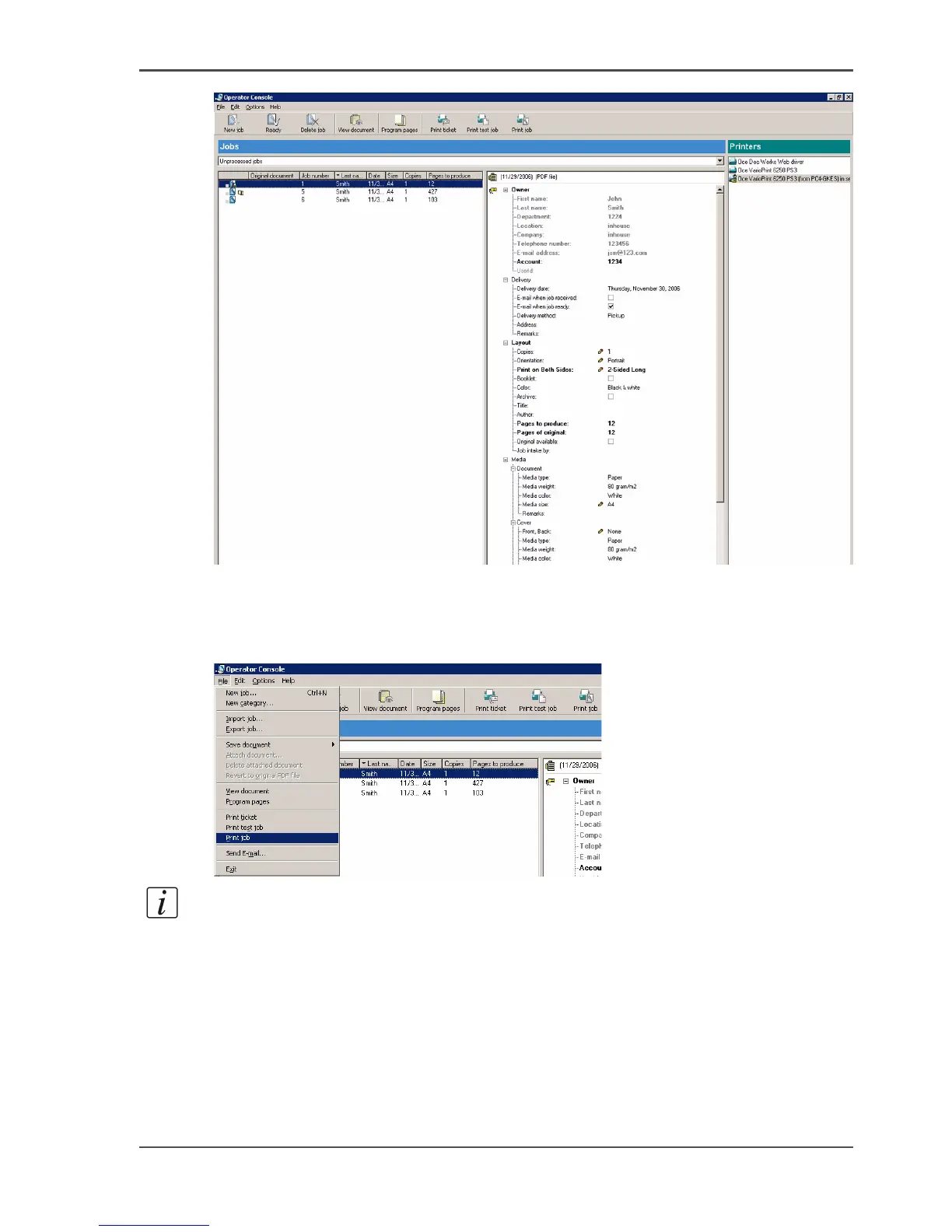
2. Check in the job ticket whether special page programming and/or other options are
required. In this example, this is not required.
3. Select your printer.
4. Select 'File' -> 'Print job'.
[2]
Note: The settings in the job ticket where you see the pencil symbol are
automatically transferred to the print dialog.
5. Click 'OK'














 To Next Page