33
Use Océ PRISMAprepare to create booklets
Use Océ PRISMAprepare to create booklets
Introduction
You can use Océ PRISMAprepare
®
to create an A4 booklet from existing A5 PDF
files.
Required tools
Océ VarioPrint
®
6160/6200/6250
Océ PRISMAprepare
®
4.02
PDF file, suitable for booklet creation
Open a PDF file and print the file as a booklet (with 2 staples)
1. Click 'File' --> 'Open' to open the document.
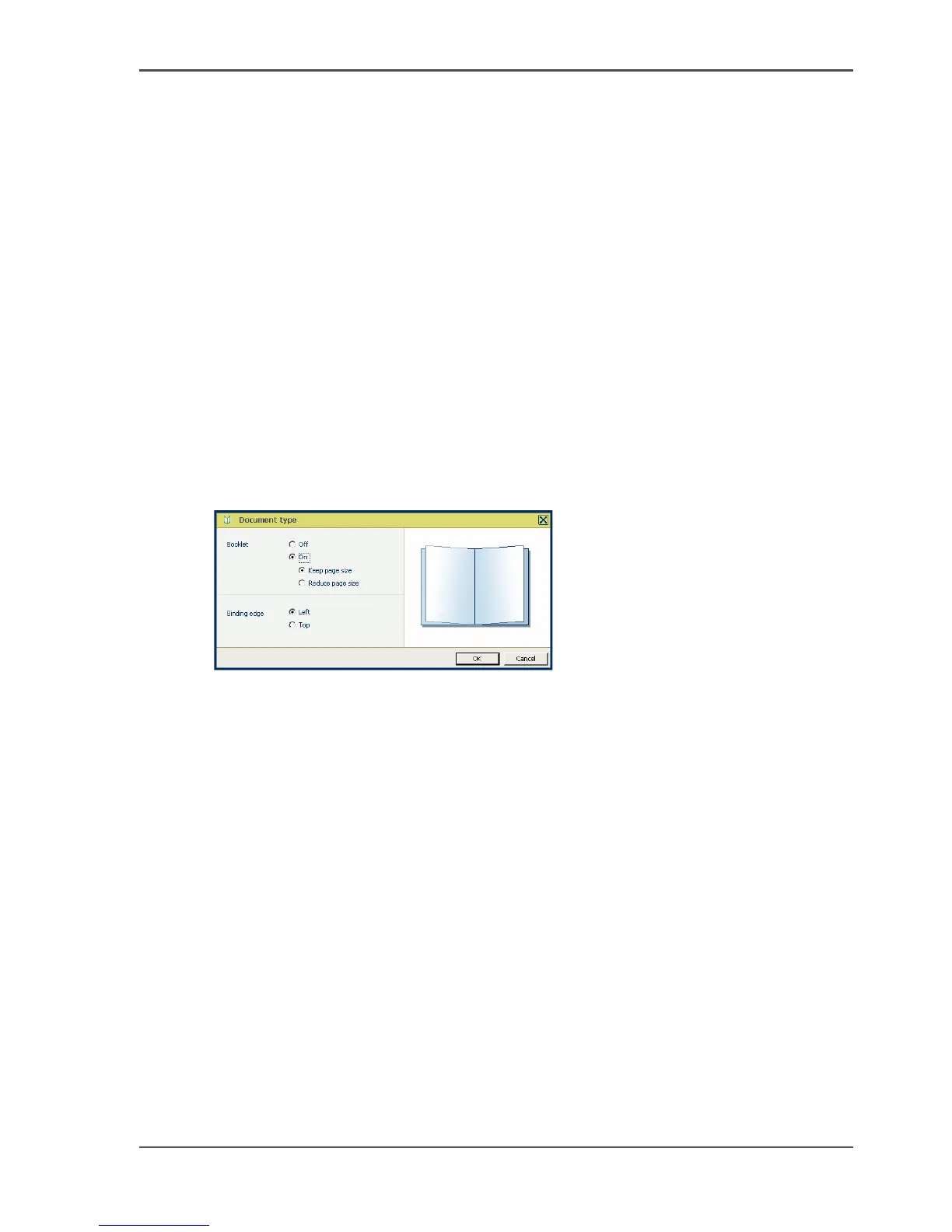
2. Select 'Document' --> 'Document type'.
A pop-up window appears.
[23]
3. Select 'Booklet' --> 'On' and the required scaling options.














 To Next Page