32 Chapter 2 Prepare and print
Use Océ PRISMAprepare for tab printing
[22]
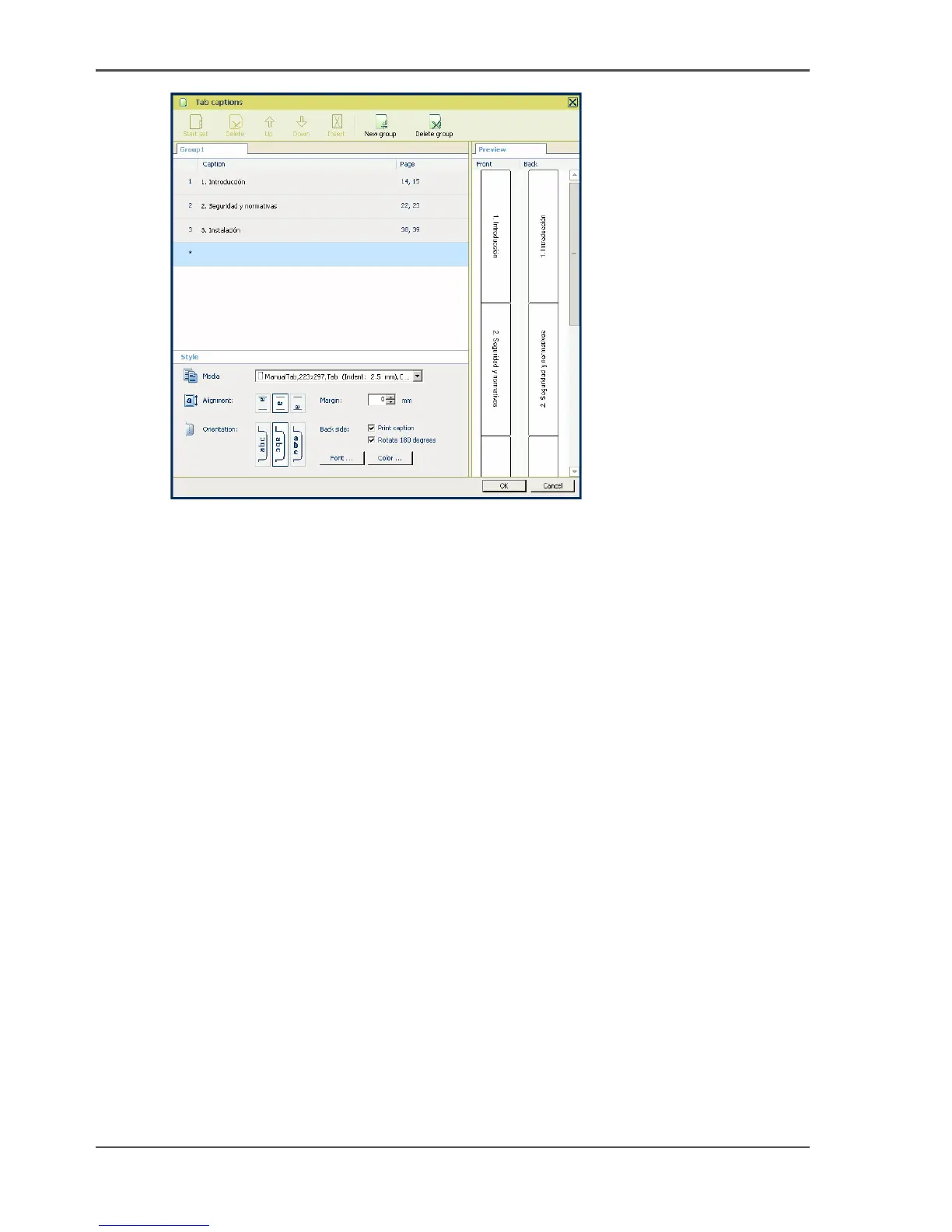
4. Go to the next caption.
5. Click 'OK'.
Result
You have inserted tabs in your document.
You can check the complete document in the preview.
Print the job on your Océ VarioPrint
®
6160/6200/6250 printer.














 To Next Page