31
Use Océ PRISMAprepare for tab printing
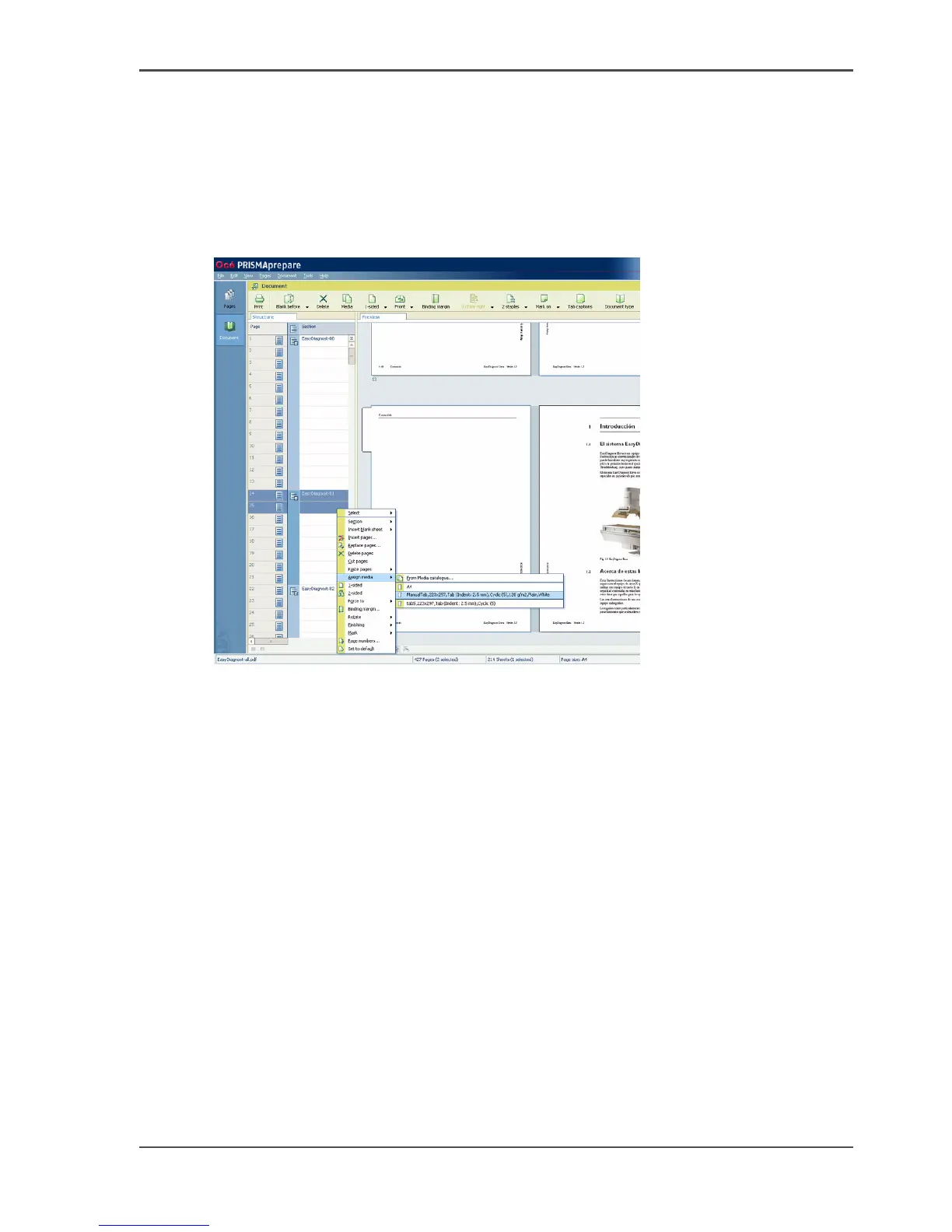
Assign tab media to pages
1. To insert tab sheets, you must insert 2 empty pages (with 'Insert blank sheet before
selection') and select these pages.
Alternatively select the first 2 pages of a section that must be printed on the tab
media.
2. Right-click the selected pages and select 'Assign media' --> '&From Media
catalog...'.
[21]
3. Choose the tab media from the media catalog. The menu presents all media that are
used in the document.
4. Click 'Assign'.
5. Continue with the other sections.
Define tab captions
1. Select 'Document' --> 'Tab captions'.
2. In the pop-up window, click the area with the asterisk.
The first caption opens.
3. Enter the text and check the preview.














 To Next Page