63
Use Océ DPconvert and Océ DocSetter to print Xerox RDO files
Use Océ DPconvert and Océ DocSetter to print Xerox RDO
files
Introduction
Océ DPconvert
®
enables you to print Xerox
®
Raster Document Object (RDO) files
on the Océ VarioPrint
®
6160/6200/6250.
RDO files contain extensive 'Page program' information about tabs and stapling, for
example. The Océ DPconvert
®
software enables you to automate the production of
these documents in an Océ environment in the same way as in a Xerox
®
environment.
RDO is the Xerox
®
data format for print jobs. RDO files contain rastered print pages,
information about the print file, and device-specific information about the printer
and the post-processing methods.
The Océ DPconvert
®
software provides a converter for Xerox
®
RDO files that is
easy to use. The RDO files can be converted to an Océ DocSetter
®
format. Printing
is done via Océ DocSetter
®
and Océ PRISMAproduction
®
.
Required tools
Océ PRISMAproduction
®
version 3.10 or higher
Océ DocSetter
®
version 2.0 or higher
Océ DPconvert
®
version 1.1 or higher
Xerox Digipath
®
versions V1.0 or V2.0 or V2.1 (based on TIFF's)
Convert RDO files
1. Open Océ DPconvert
®
.
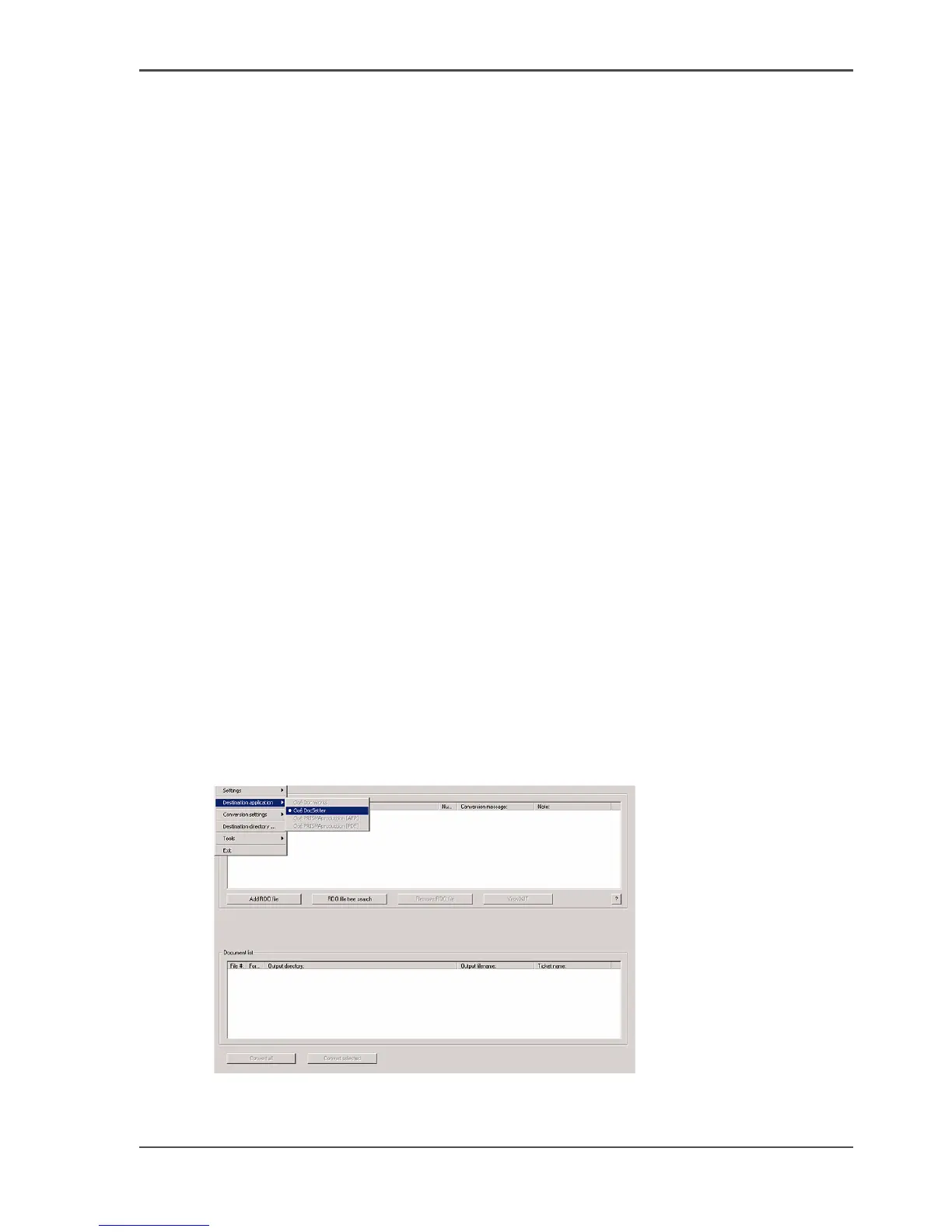
2. Click 'File' --> 'Destination application'.
[50]
3. Make sure that Océ DocSetter
®
is defined as the 'Destination application'.














 To Next Page