64 Chapter 2 Prepare and print
Use Océ DPconvert and Océ DocSetter to print Xerox RDO files
4. Click 'File' --> 'Destination directory'.
5. Make sure that the Océ DocSetter
®
hot directory is defined as the 'Destination
directory'.
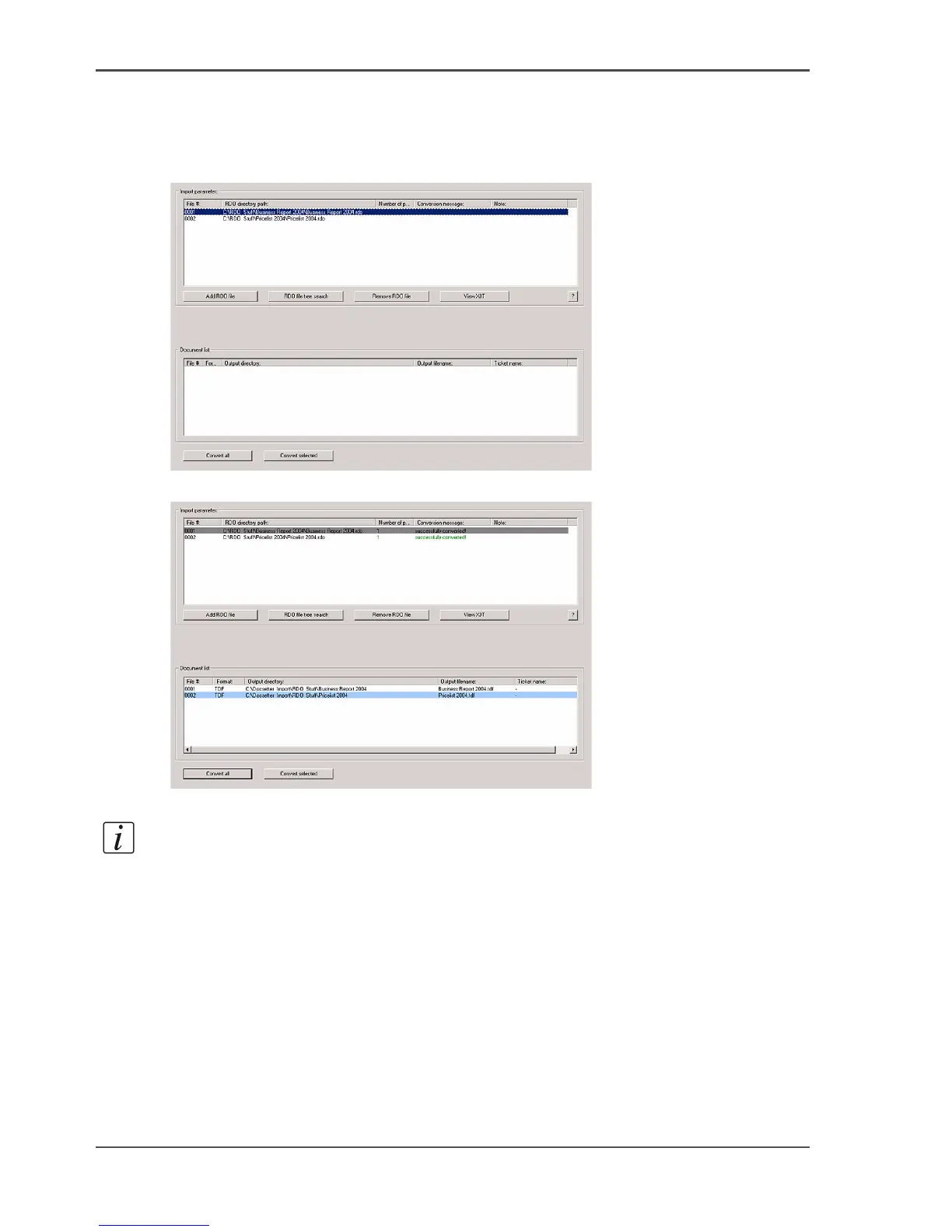
6. Select the required RDO file and click the 'Insert RDO file' button.
[51]
7. Click the 'Convert all' or 'Convert Selection' button to start the conversion.
[52]
Note: The files are now converted and saved to the target directory as Océ
DocSetter
®
files.
Print the document
1. Start Océ DocSetter
®
.
2. Click 'File'.
3. Select the destination directory for the data conversion.
4. Open the converted file.
5. Make the required changes to the converted document.
6. Print the document (see ‘Use Océ DocSetter and Océ PRISMAproduction to print
documents’ on page 41) .














 To Next Page