34 Chapter 2 Prepare and print
Use Océ PRISMAprepare to create booklets
[24]
Note: Océ VarioPrint
®
6160/6200/6250Océ VarioPrint
®
6160/6200/6250If you
choose to keep the page size, the media size in the structure view will be doubled.
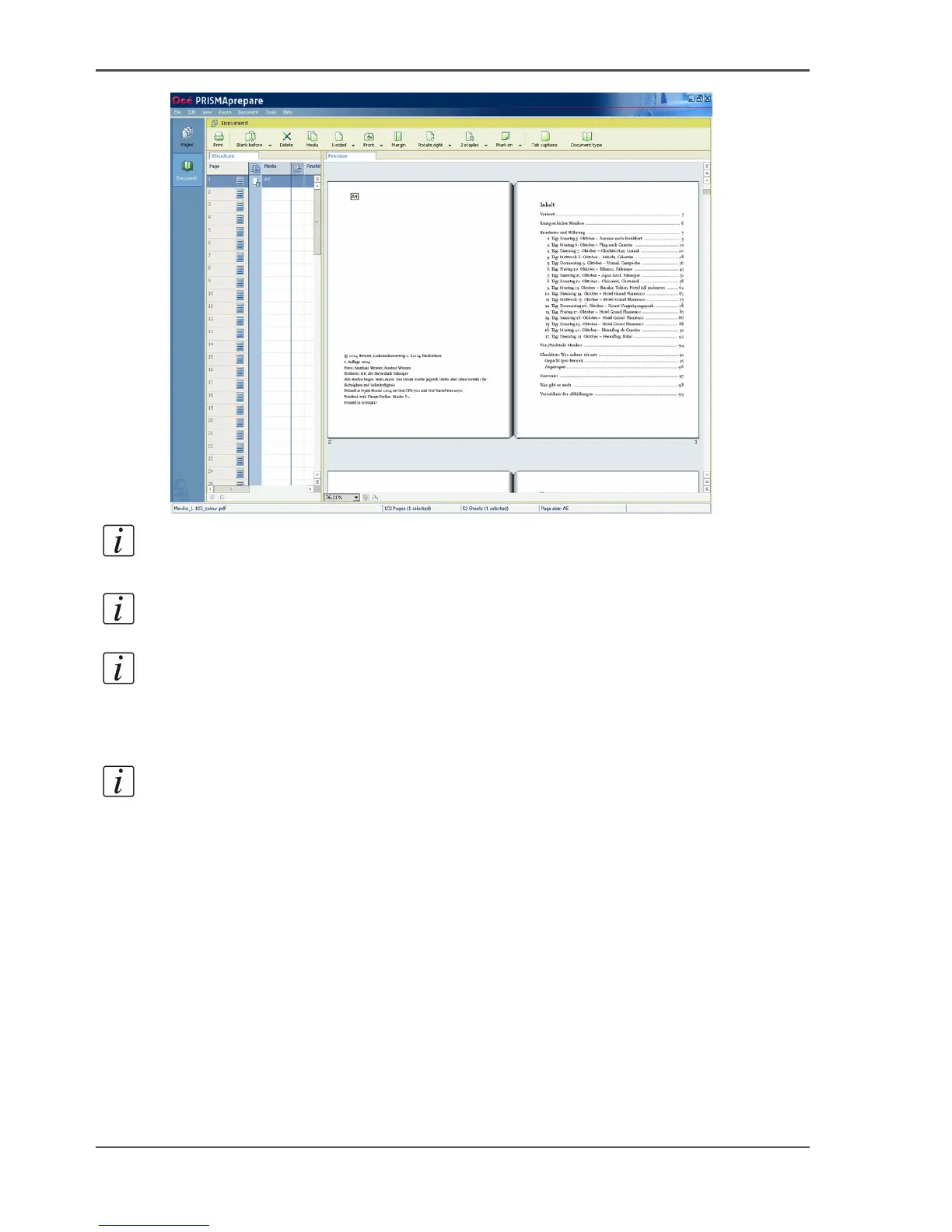
Note: The preview now shows the fold at the centre of the booklet.
Note: The imposition required for booklet will be performed when sending the
document to the printer.
4. Select all pages.
5. Choose 'OK' to confirm.
Note: A message appears that asks you to store the document.
6. Store the document.
7. Select your Océ VarioPrint
®
6160/6200/6250 printer in the print dialogue
8. Define the print options.
9. Click 'OK' to start the print job.














 To Next Page