28 Chapter 2 Prepare and print
Use Océ PRISMAprepare to collect, modify, and print documents
[18]
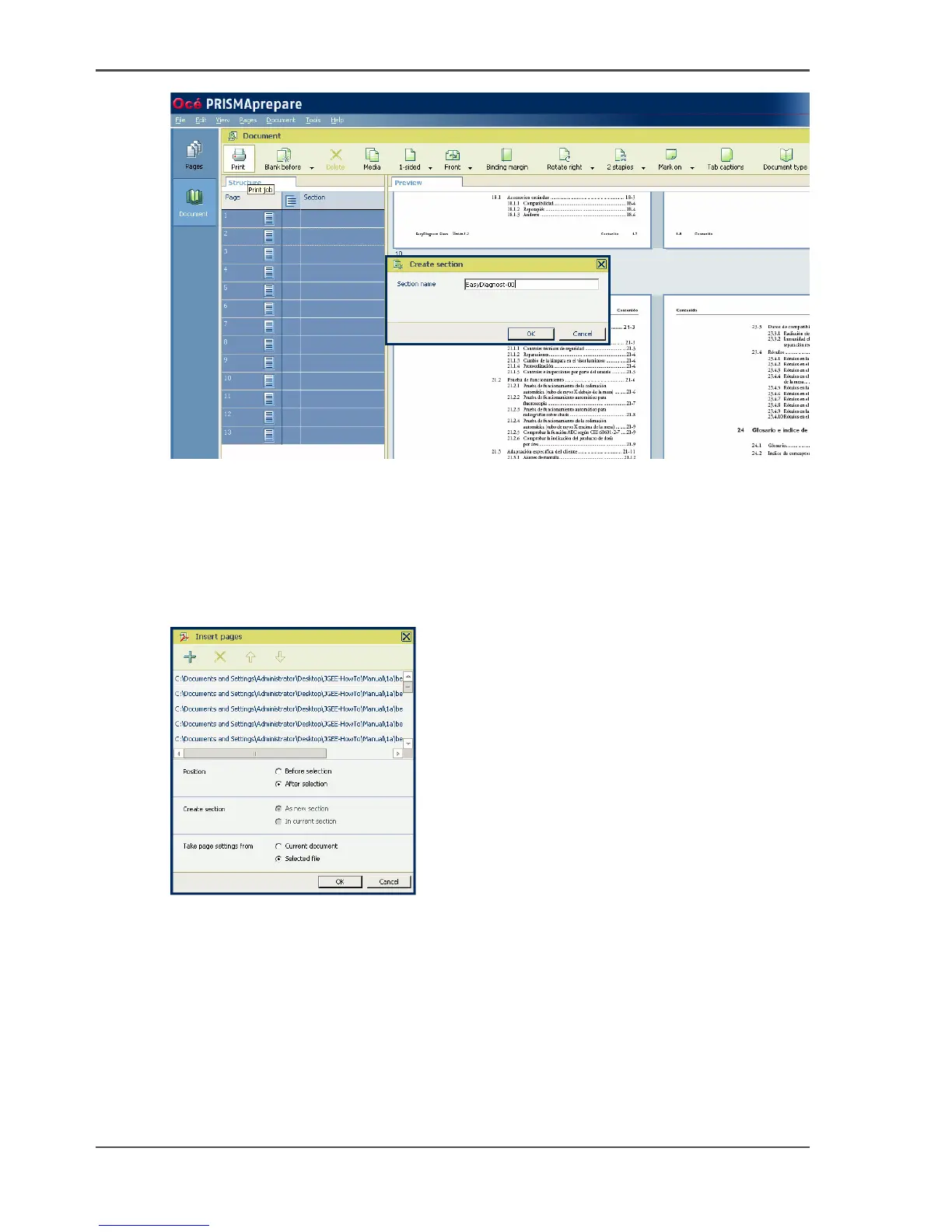
4. Enter a name of your choice and click 'OK'.
5. Choose 'Save &as...' to save the file under a new name.
Insert the remaining files
1. Select the first section which you defined in the previous steps.
2. Select 'Pages' --> 'Insert pages'.
[19]
3. Select the 'Add file(s)' (+) button.
4. Select the files that must be inserted.
5. Check the order of the files that must be inserted. If necessary, correct the order by
using the up and down arrows.
6. Click 'OK'.














 To Next Page