55
Program a job with tab sheets
[43]
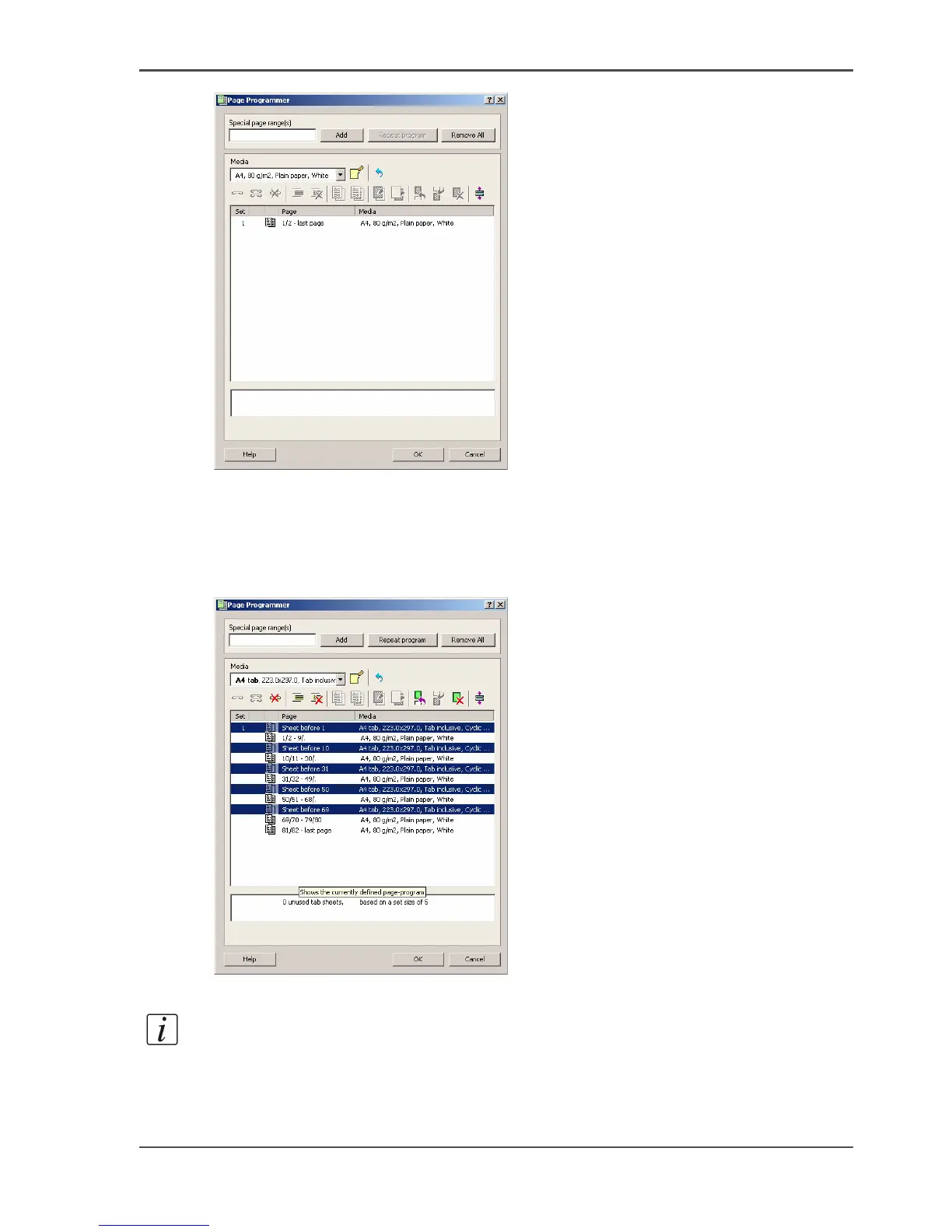
[43] The Page Programmer. The job is deselected.
8.
Now select your tab sheet type in the 'Media' drop-down menu.
9. Enter the page ranges of your chapters in the 'Special page range(s)' box.
10. Click the 'Add sheet before' button in the toolbar.
The following is the result.
[44]
[44] A page program with tab sheets
Note: You can also define the page ranges first and then click the 'Add' button. After
the page ranges are inserted, you can select each chapter separately and add a tab
sheet with the 'Add sheet before' button.














 To Next Page