72 Chapter 3 Copy and scan
Use Océ DocSetter to optimize the scanned documents
[5]
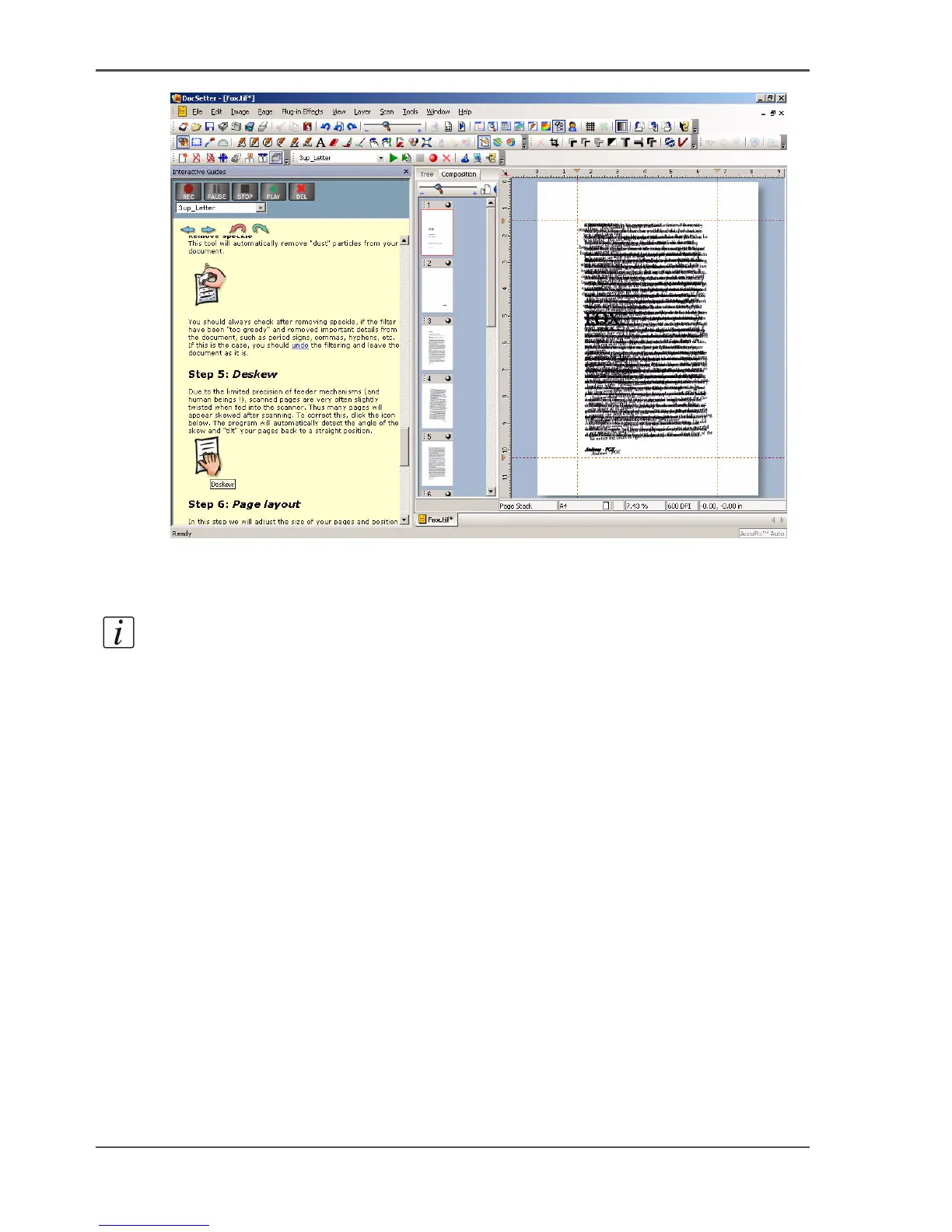
4. Determine the maximum white space outside the margin that must be despeckled, in
the following way. Click the guidelines at the left edge and the top edge of the main
window. Then drag the guidelines into the image.
Note: Use 4 guidelines to frame the inner area. This area contains the information
that must not be deleted.
5. Go to step 4 'Despeckle and erase'.
6. Use the 'Erase' command to remove the defects outside the guidelines.
7. Repeat the steps 3-6 for the even pages.














 To Next Page