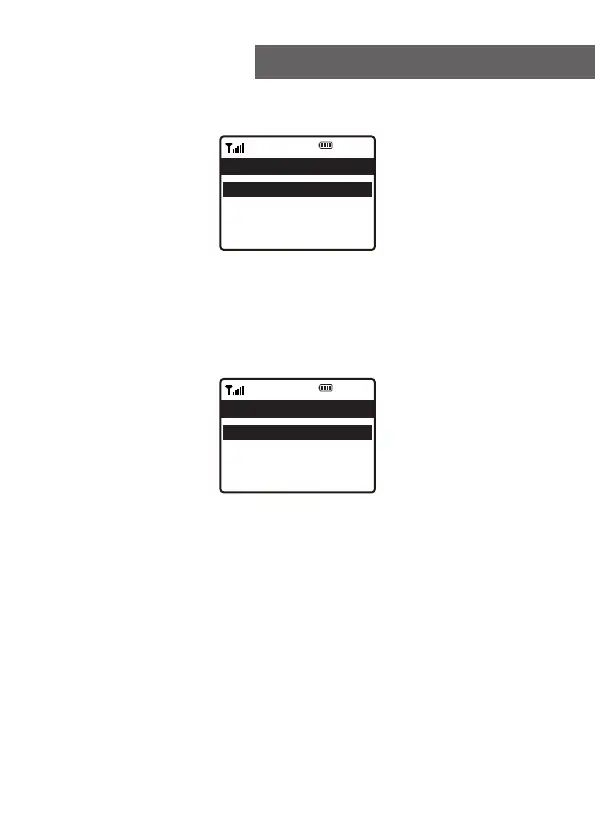
On the Home screen, choose Internet Radio and you will
find the options below:
Skytune
Select Skytune to start enjoying thousands of radio
stations over the world. You can filter your search by
Region, Music genre and talks.
The Local Radio let you access quickly the stations
available in your local area through internet connection.
Note - You can change the Local Radio area under
Configuration> Local radio setup. Please refer to
section 10 for the details.
Search
Instead of browsing the radio station list, you can input a
few characters of the desired station to filter out / short list
the stations.
History
The radio memorizes the stations you have listened up to
99 stations.
If you have listened more than 99 stations, it will
supersede the first station that you have listened.
5. Internet Radio
12:01am
Internet Radio 1/3
< Skytune >
Search(Skytune) >
History >
12:01am
Skytune 1/5
<Globe Most Popular >
Local Radio >
Globe All >
Globe By Genre >
10















 To Next Page