5. Internet Radio
Start playing internet radio
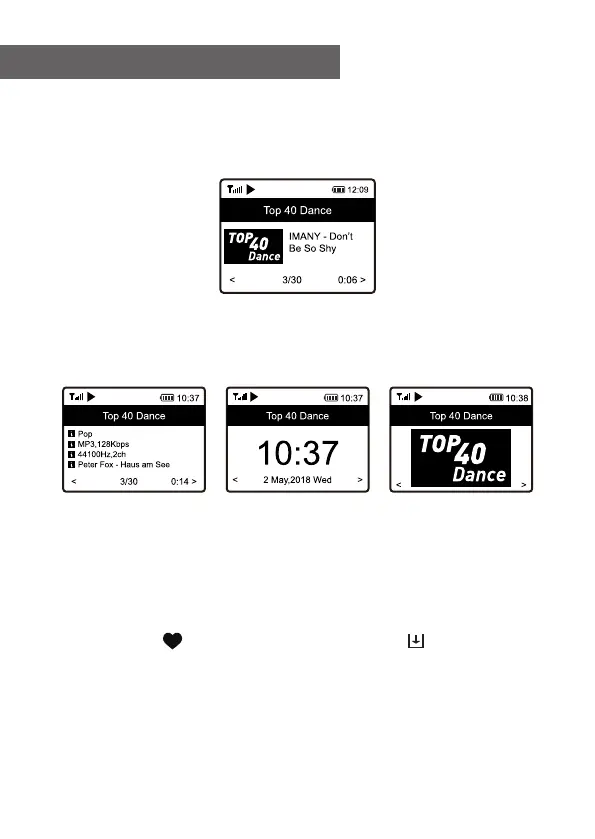
When a radio station starts playing, more radio
information can be displayed. Press the ► button when
the screen shows the state of radio playback:
Every time you press the ► button, it will cycle through the
information of the radio, the big time clock and the radio
station logo if any.
My Favorite
This is to show the list of your Favorite stations which
have been assigned to the presets.
Preset a station
When the screen shows the state of radio playback, press
and hold the button, you will see the icon
appeared as below. It means the station is added to the
Favorite list.
11















 To Next Page