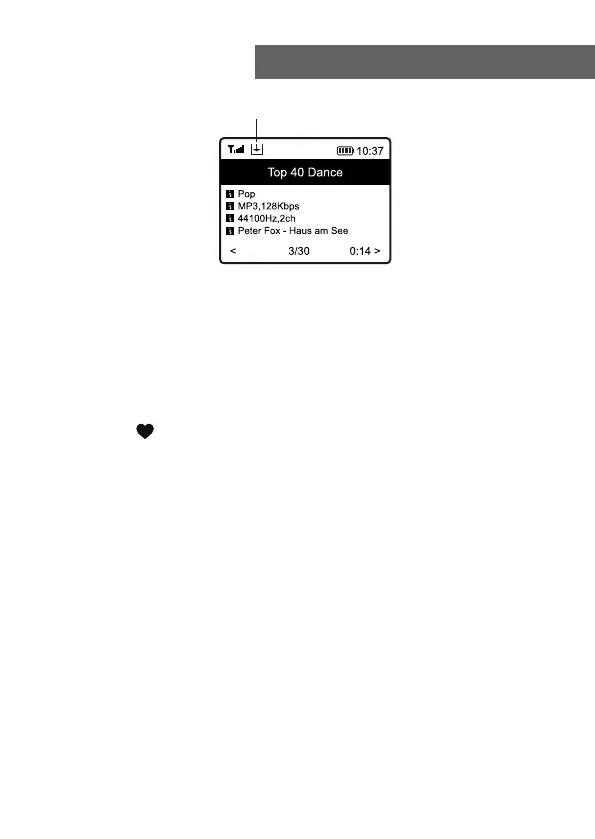
The new added station will always show in the last item on
the Favorite list. You can store up to 99 presets.
There are 3 dedicated preset buttons to quickly access
the top 3 favourite station. Press and hold the numeric
button on the radio unit to preset the channel.
Recall a station
Press the briefly on the radio to recall the list of
presets, or navigate to My Favourite on the home screen
and select it to confirm.
Edit your favorite list
On the Favorite list, choose the radio station you want to
edit then press the [ ► ] button. It will enter the Edit menu
with the following options:
Move down - To move down the ranking of a station
Move up - To move up the ranking of a station
Delete - To delete a particular station
Move to top - To move the station to the top of the favorite
list.
Move to bottom - To move the station to the bottom of the
favorite list.
5. Internet Radio
Preset icon
12















 To Next Page