- 10 -
Choosing options and functions
All user input is information that the Radio Tuner uses to provide the
desired audio entertainment with select (enter) a confirmation and go
command.
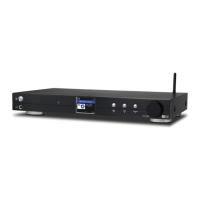
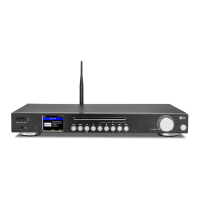
The Tune/Select control knob is used for navigating LCD displays and
lists by rotating clockwise (CW) or counter clockwise (CCW) to change
or highlight information displayed on the LCD screen and confirms a
selection when it is pressed and released.
The Forward ( ► ) and Back ( ◄ ) buttons can also be used to move to
the next or back to the last display or position in lists but all inputs must
be confirmed by pressing and releasing the Tune/Select knob.
Throughout this manual “Select” will mean navigating through option
lists or display screens to highlight desired selection and confirming it
by pressing and releasing the Tune/Select knob.
The remote controller can also be used to control the Radio Tuner with
the center navigation buttons ( ◄ ▼ ► ▲ ) and OK button to confirm
selections.
Many other controls are available on the remote controller with
discrete buttons for many functions e.g. volume up or down.
5


 To Next Page