- 19 -
Storage
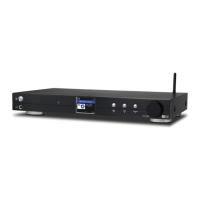
The radio can playback audio files on Micro SD/TF cards if they are
stored in MP3 or FLAC format.
To start playing music files insert the Micro SD/TF card into the card
reader slot and a list of available music files will be displayed.
Highlight the file to be played and select it by pressing the Tune/Select
knob on the front of the radio or the OK button on the remote controller.
Playback will start by playing the selected track with the next track to
be played selected automatically according to the playback option
setting under Playback Setup in Configuration mode i.e. repeat all,
repeat one, shuffle or normal.
Presets cannot be used with the Micro SD/TF card playback feature.
11


 To Next Page