- 13 -
Overview of Radio Tuner modes and functions
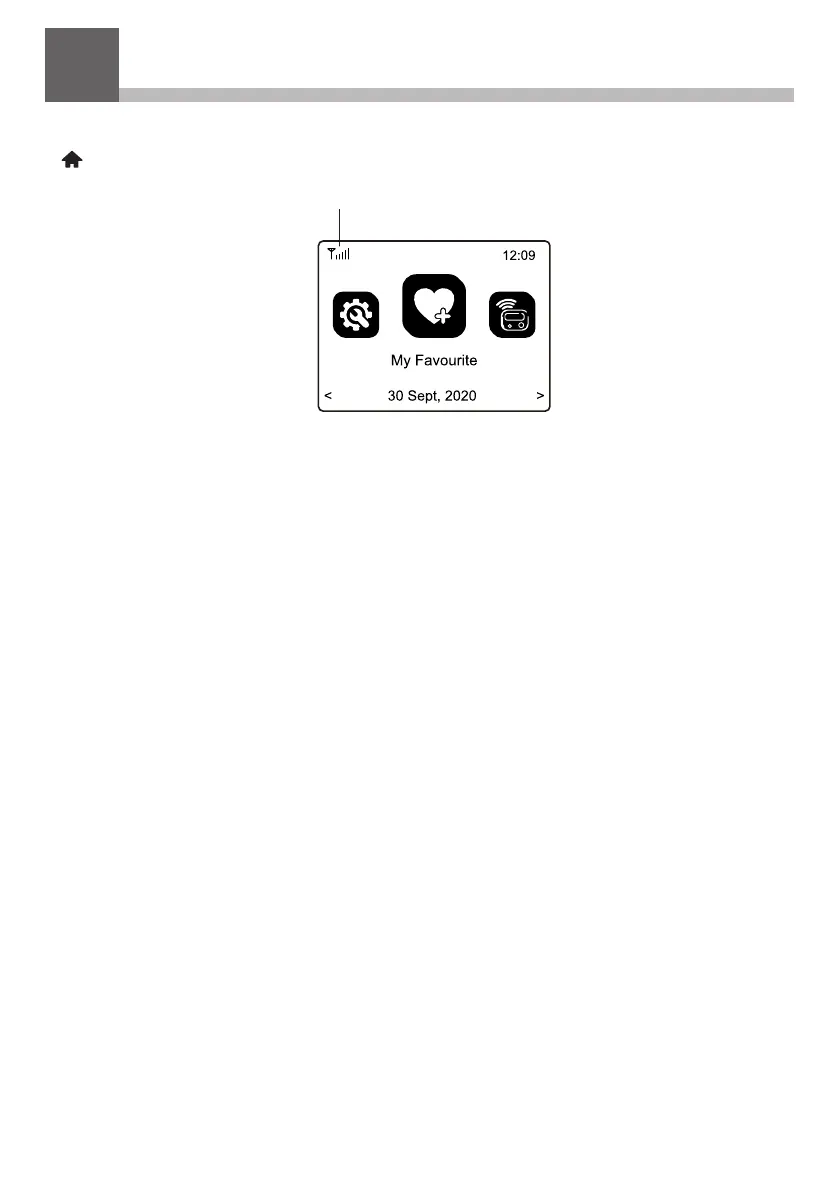
To Select any mode use the Home button on the front panel or the
( ) on remote controller to display the My Favorite screen:
Navigate through the modes to find and Select any of these functions:
1) My Favorite – A maximum of 99 previously saved (Preset) favorite
listening sources are listed for Selection.
2) Internet Radio - Select online radio station from the thousands
available on Skytune or by using the History list of previously
selected radio stations or use search to find a preferred radio
station.
3) Media Center – Browse and Select music streaming on your home
Wi-Fi network by any UPnP or DLNA compatible server e.g. Smart
phone, Tablet, PC, Laptop.
4) Storage - Play music files stored on a Micro SD/TF card
5) DAB+/DAB Radio – Play CD quality audio entertainment using the
wire antenna if this service is available in your area e.g. not
available in USA.
6) FM Radio – Play your favorite local radio station using the wire
antenna.
7) Bluetooth –When “Paired” (connected) to another Bluetooth device
use the Radio Tuner as a connection to your Hi-Fi system. Maximum
range of the Bluetooth wireless signal is 10 meters (32 feet) but may
be reduced by the presence of walls or other obstructions.
Wi-Fi signal bar
7


 To Next Page