- 11 -
Network Setup
The Internet Radio Tuner must have a high bandwidth internet
connection and a wireless (Wi-Fi) home network connected to it to be
fully functional.
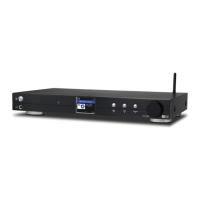
To configure the network connect the Wi-Fi antenna to the mating
connector on the back of the radio. Plug the A/C Power adaptor into a
wall socket and the back of the Radio Tuner.
Turn On the rear panel On/Off switch - the display will show a list of
available languages. Highlight and Select a language.
Wireless LAN (Wi-Fi)
The first time the Radio Tuner is turned on after leaving the factory a
Configure Network wizard is automatically started:
1) Highlight and Select Yes to connect to the Wi-Fi network
2) The display will change and display a list of options – Select
Add/Remove AP
3) The display will change and display a list of options – Select Add
AP (Scan)
4) The display will show a list of available networks – Select your
network
5) The display will ask for your passphrase this is often called
passcode or password
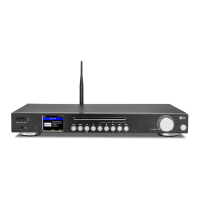
- highlight the first digit using the Tune/Select knob.
Note: If an error is made correct it by using the move back button or
rotating the Tune/Select knob CCW.
- Select by pressing and releasing the Tune/Select knob
- highlight the next digit
- Select by pressing and releasing the Tune/Select knob
- Repeat until the last digit has been Selected
- Confirm by pressing and holding the Tune/Select knob until the
display changes.
6


 To Next Page