- 20 -
DAB+/DAB Radio (Digital Audio Broadcasting)
DAB+/DAB radio broadcasts CD quality audio but it is only available in
certain parts of the world e.g. not available in the USA.
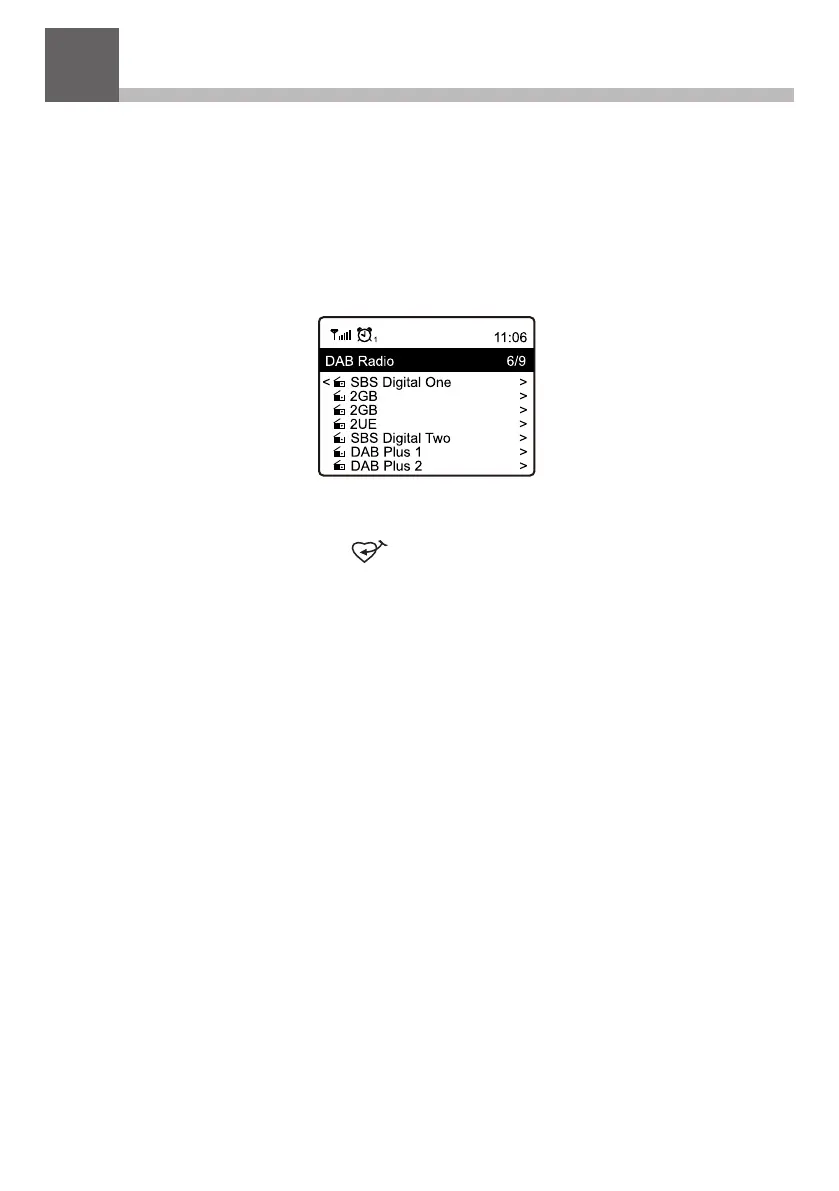
Select DAB Radio and press Tune/Select or OK if option to Scan and
Preset DAB Stations is displayed or if a list of Preset DAB stations is
displayed select station to start listening.
While a station is playing it can be added to the Favorite list by
pressing the Preset button ( ) on the remote controller.
To display more radio station information press the Forward button
( ► )on the front panel or the remote controller.
Note: Changes to the available DAB/DAB+ stations will not be
included in the available station list without a new scan for stations. To
rescan go to Configuration > DAB Setup > DAB Full Scan.
12


 To Next Page