- 5 -
1.
Press to toggle between Standby & Operational
2.
Press to display the sleep timer intervals: 15/30/45/60/90/120/180 minutes
3.
Press to recall Favorite list; long press to add a playing station to favorite list
4. Preset button 1-3
Assign the top 3 favorites to the button 1-3
Press and hold to preset
Press it briefly to recall
5.
Access Home screen/Press this button to return to the now playing screen (or
until you see the now playing station)
6. ◄
Press to return to the last level up
7. ►
Press to display various information under the now playing screen; enter the
Favorite's edit menu by long pressing the button
8. 3.5mm headphone jack
9. Remote sensor
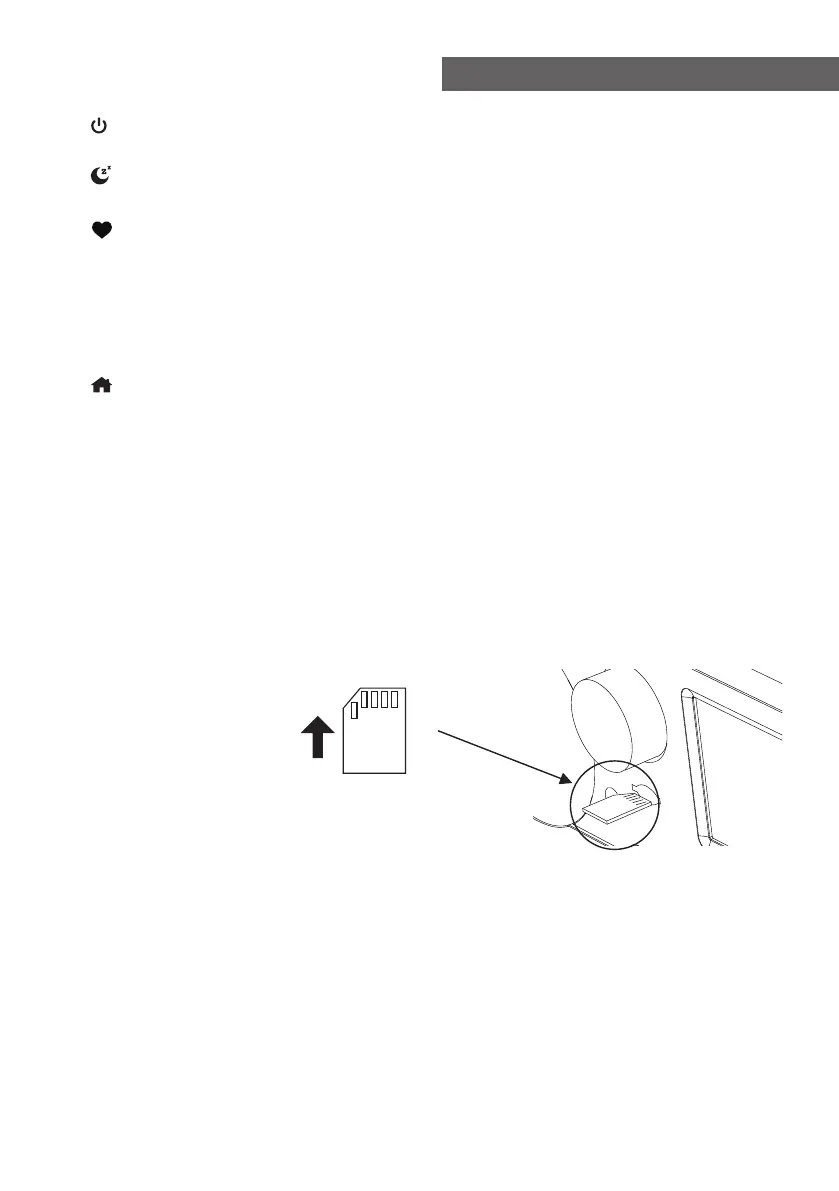
10. Micro SD/TF card slot
Micro SD/TF card playback (insert the card with metal contacts up)
11. VOLUME/MUTE
Rotate to adjust volume, press to mute
12. TFT color screen 2.8''
13. NAVIGATE/ENTER
Rotate to dial up / down, press to Enter
14. Speaker
15. Power on/off switch
16. DC IN Jack
17. Line out jack 3.5 mm
18. Aux in jack 3.5 mm
19. Telescopic antenna
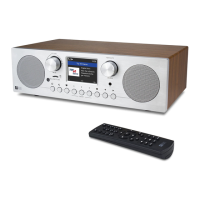
Location of Controls














 To Next Page