EasyManua.ls Logo

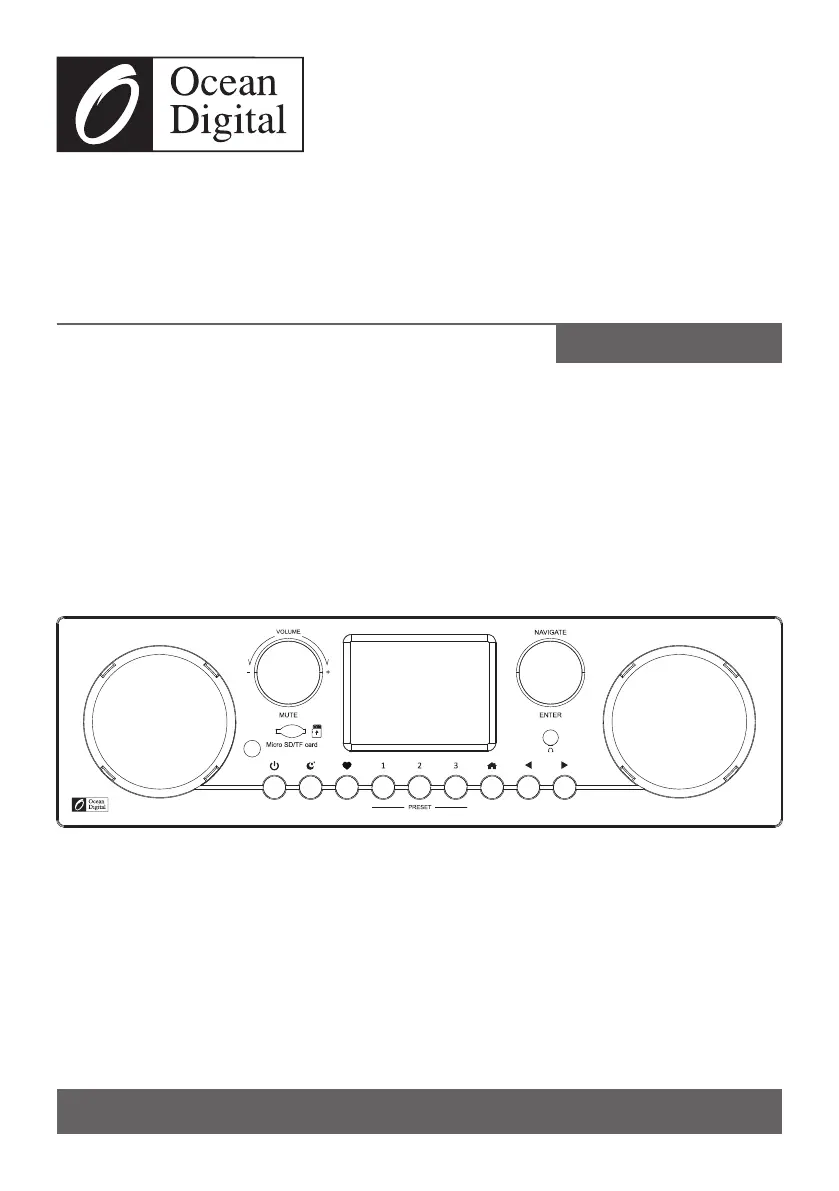
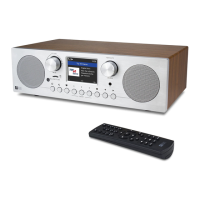
Ocean Digital WR-800D - User Manual

Ocean Digital WR-800D
32 pages
Print Icon
To Next Page IconTo Next Page
Loading...
Please read this user manual carefully before using the receiver.
WR-800D
Stereo Internet Radio
User Manual
Please read this user manual carefully before using the receiver

Questions and Answers

  • B
    brianlunaAug 9, 2025
    How to fix Ocean Digital WR-800D not connecting to Wi-Fi?
    • L
      Lindsay HullAug 10, 2025
      If your Ocean Digital Radio cannot connect to Wi-Fi, it might be due to several reasons. First, ensure your internet is working by checking if a computer can access the internet using the same network. Verify that a DHCP server is available or that you've configured a static IP address on the radio. Also, check your firewall settings to ensure it's not blocking ports 80, 443, 8008 (TCP and UDP), and 53 (DNS). If your router restricts access, obtain the MAC address from Configuration > Information > Network > Wi-Fi MAC and add it to the allowed list. Insufficient Wi-Fi signal strength can also be a factor; check the distance to the router and optimize its location. Finally, the radio supports WEP, WPA, and WPA2 encryption methods, so ensure your router uses one of these.
  • E
    Elizabeth BrownAug 17, 2025
    What to do if Ocean Digital Radio can connect to the network but not play stations?
    • S
      Susan WilliamsAug 17, 2025
      If your Ocean Digital Radio connects to the network but cannot play particular stations, it could be due to several reasons: the station may not be broadcasting at the current time, the station server might be overloaded with too many listeners, or the station might have reached its maximum allowed number of simultaneous listeners. Additionally, the link on the radio might be outdated; this updates automatically every day, so the link will be recognized the next time you turn on the radio.
  • B
    bartonmeghanAug 25, 2025
    How to improve DAB/FM reception on Ocean Digital Radio?
    • R
      Rachel HoffmanAug 26, 2025
      If you're experiencing no DAB/FM reception on your Ocean Digital Radio, try performing a “Factory Reset” on the radio and extend the antenna. Additionally, move the radio closer to a window to improve signal reception.
  • G
    gromeroSep 1, 2025
    How to troubleshoot no sound on Ocean Digital WR-800D Radio?
    • J
      jeffrey30Sep 1, 2025
      If there is no sound coming from your Ocean Digital Radio, first adjust the volume level. Also, if you are using external powered speakers, ensure that they are switched on.

Summary

Location of Controls

Remote Control Functions

Navigation, Input, and Basic Controls

Explains buttons for power, volume, mute, navigation, inputting data, and basic controls.

Station, Mode, and Playback Controls

Details buttons for selecting stations, modes, and controlling playback.

Network Connection Setup

Entering Wi-Fi Passcode

Guides users on entering the Wi-Fi password using the remote or unit controls.

Before You Start

Safety Precautions

Provides critical safety warnings regarding temperature, liquids, environment, and repair.

Initial Setup and Operation

First Time Power On

Explains the process of powering on the device for the first time and selecting the preferred language.

Network Configuration

Wi-Fi Network Setup

Guides through the steps of connecting the radio to a Wi-Fi network using the setup wizard.

Internet Radio Functions

Accessing Stations

Details methods for finding and accessing internet radio stations by region, genre, search, or history.

Managing Favorites and Presets

Explains how to save, recall, and manage favorite radio stations and use preset buttons.

Media Centre Operations

Bluetooth Connectivity

Alarm and Timer Settings

System Configuration

Remote Control via PC;Smartphone

Troubleshooting Guide

Wi-Fi Connectivity Issues

Provides solutions for problems related to network connection, MAC addresses, and encryption.

Station Playback and Reception

Offers fixes for issues with playing specific stations, DAB/FM reception, and sound.

Ocean Digital WR-800D Specifications

General IconGeneral
BrandOcean Digital
ModelWR-800D
CategoryRadio
LanguageEnglish

Related product manuals