- 9 -
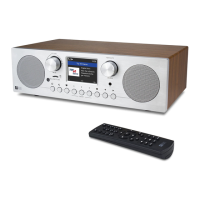
• Remove internet radio from the package box.
• Plug in the power adapter and turn the radio on by the power switch located at the
rear panel of the radio.
◦ Caution: Use only the adaptor supplied with the radio. Connecting a power
supply with a different rating will cause permanent damage to the radio and may be
hazardous.
Once the radio is powered on, the first thing is to choose the preferred language.
Rotate the [NAVIGATE/ENTER] knob and press to confirm the choice.
1. To start up














 To Next Page