36
PSI
ATR
O
2
N
2
TO SET - TURN PRESSURE ALARM
(while in the Surface Mode)
Factory set for 00 PSI/BAR (disabled), the Turn Pressure
Alarm can be set to values between 1000 and 3000 PSI (69
to 205 BAR) in increments of 250 PSI (17 BAR).
Press Both buttons simultaneously, release when SET: 2
appears.
Press and release the Left (Advance) button, the Units
screen appears with the set point flashing.
Press the Left (Advance) button
10 more times.
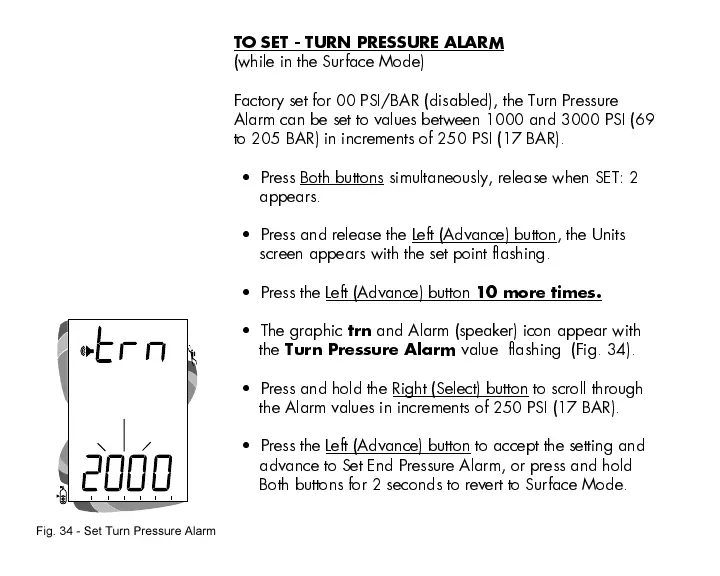
The graphic
trn
and Alarm (speaker) icon appear with
the
Turn Pressure Alarm
value flashing (Fig. 34).
Press and hold the Right (Select) button to scroll through
the Alarm values in increments of 250 PSI (17 BAR).
Press the Left (Advance) button to accept the setting and
advance to Set End Pressure Alarm, or press and hold
Both buttons for 2 seconds to revert to Surface Mode.
Fig. 34 - Set Turn Pressure Alarm













 To Next Page