ODYS Multi Pocket TV 430
13
EN
8.3 Short-Key Menu
1
Press the ENTER key.
2
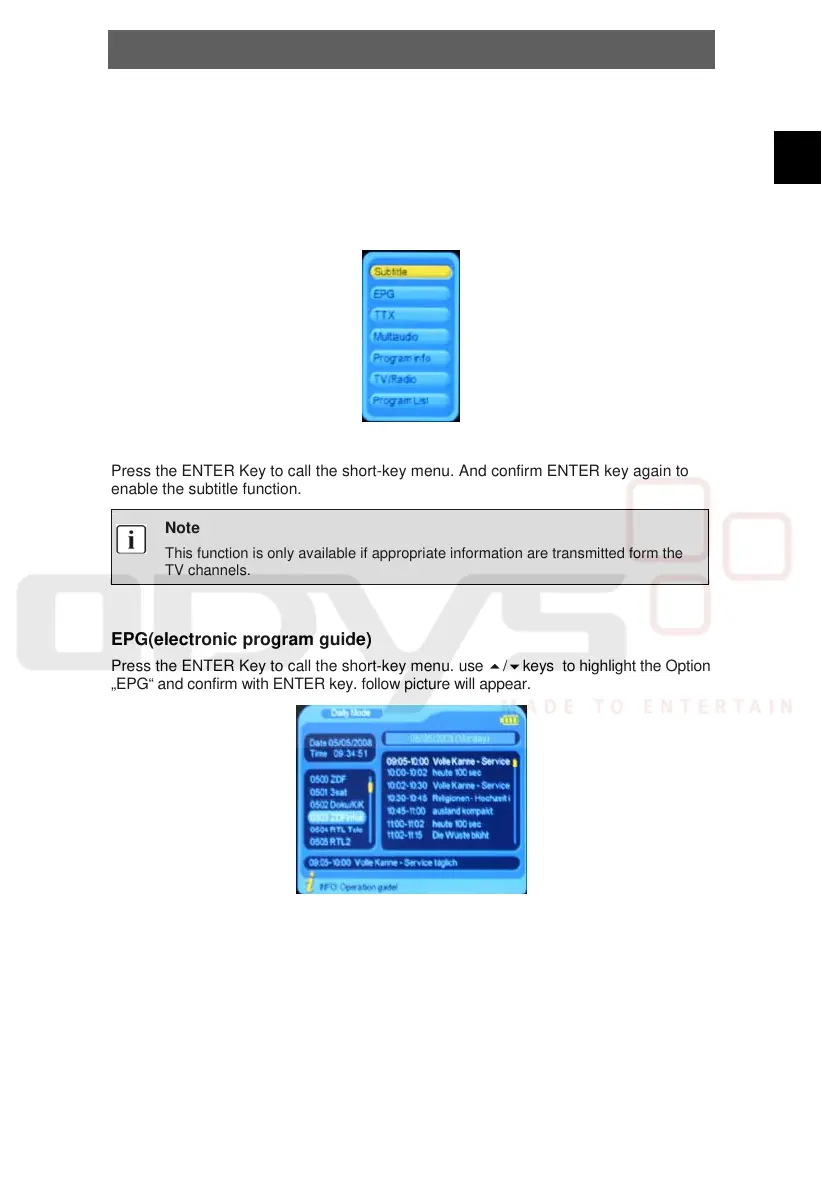
The short-key menu appears on the Display with several Options.
3
Use the keys to move between the options, and press ENTER key to confirm.
Subtitle
Press the ENTER Key to call the short-key menu. And confirm ENTER key again to
enable the subtitle function.
Note
This function is only available if appropriate information are transmitted form the
TV channels.
EPG(electronic program guide)
Press the ENTER Key to call the short-key menu. use /keys to highlight the Option
„EPG“ and confirm with ENTER key. follow picture will appear.
Use the /// Keys to see the EPG information from different channels.



 To Next Page