39
. Control panel
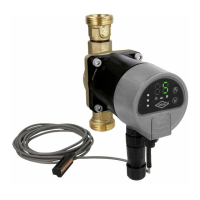
CPA-E and CPA-E S PWM series
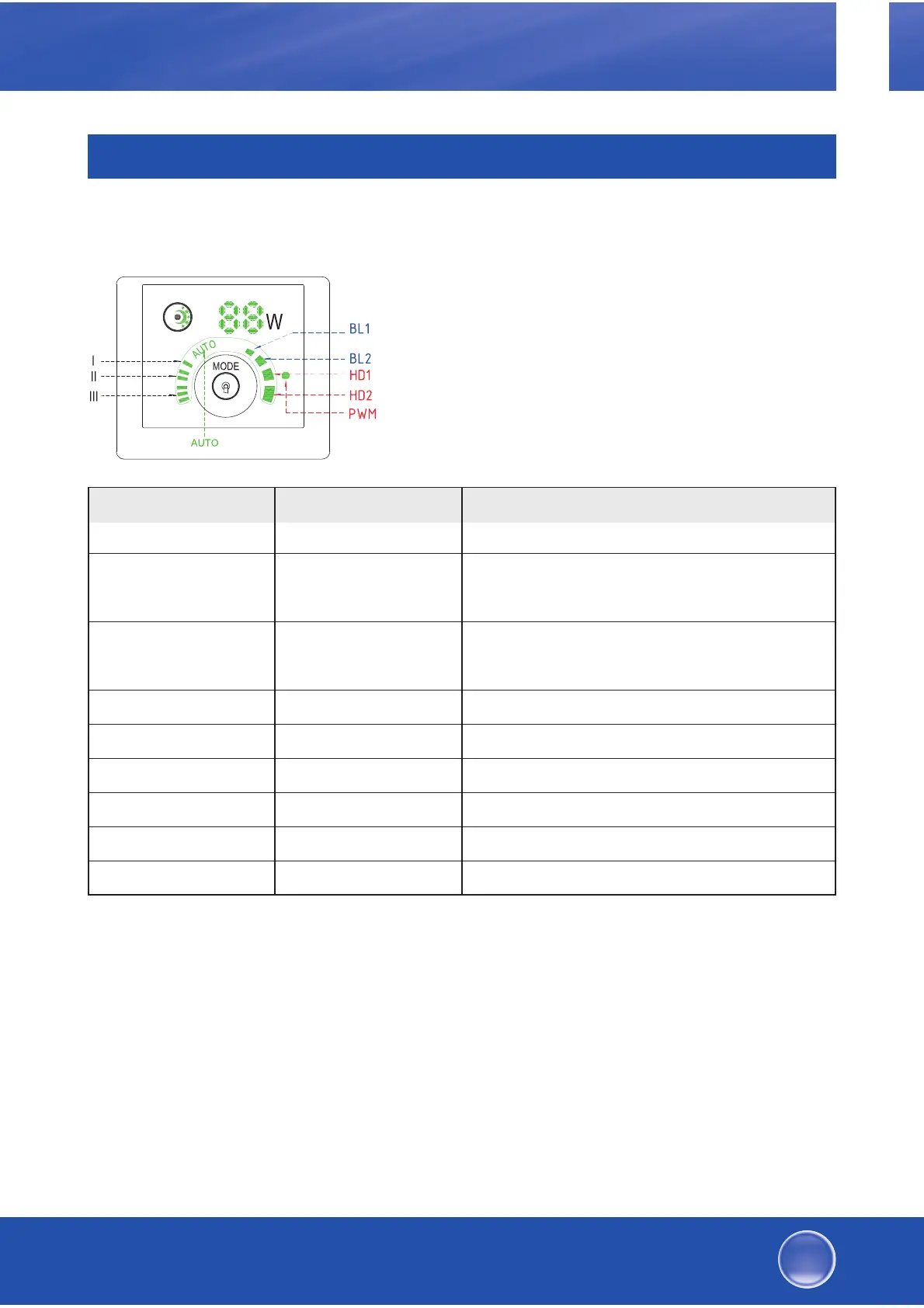
.. Indication of operating mode
You can choose between operating
modes for the CPA-E circulation pump
and for the solar ciruction pump with
PWM.
.. Key for setting the operating mode
You can change to the next operating mode by pressing the mode
key for seconds. The last operating mode in the list is changed to
the first mode in the list (AUTO).
( V6W|UXQJVDQ]HLJH
$Q]HLJHXQG%HGLHQHOHPHQWH
GHU%HWULHEVDUW
Operating mode Display Description
AUTO (def. setting) Adaptive (AUTO)
BL Lowest proportional pressure
characteristic
BL Highest proportional pressure
characteristic
HD Lowest constant pressure characteristic
HD Highest constant pressure characteristic
III Constant speed, level III
II Constant speed, level II
I Constant speed, level I
PWM (CPA-E S PWM) Controlled by external PWM signal
GB
High-efficiency heating and solar circulation pumps


 To Next Page