2
Battery Installation
Three AA size alkaline batteries are provided.
• Remove the battery cover on the bottom of the scale and place the
three “AA” size alkaline batteries into the compartment as indicated.
• Do not use excessive force or press the weighing pan.
• Re-insert the battery cover.
AC Adapter Operation
AC power adapters are available as optional accessories.
• Connect the AC adapter to the power input jack at the rear of the scale.
• Plug the AC adapter into a properly grounded wall outlet.
General Product Features
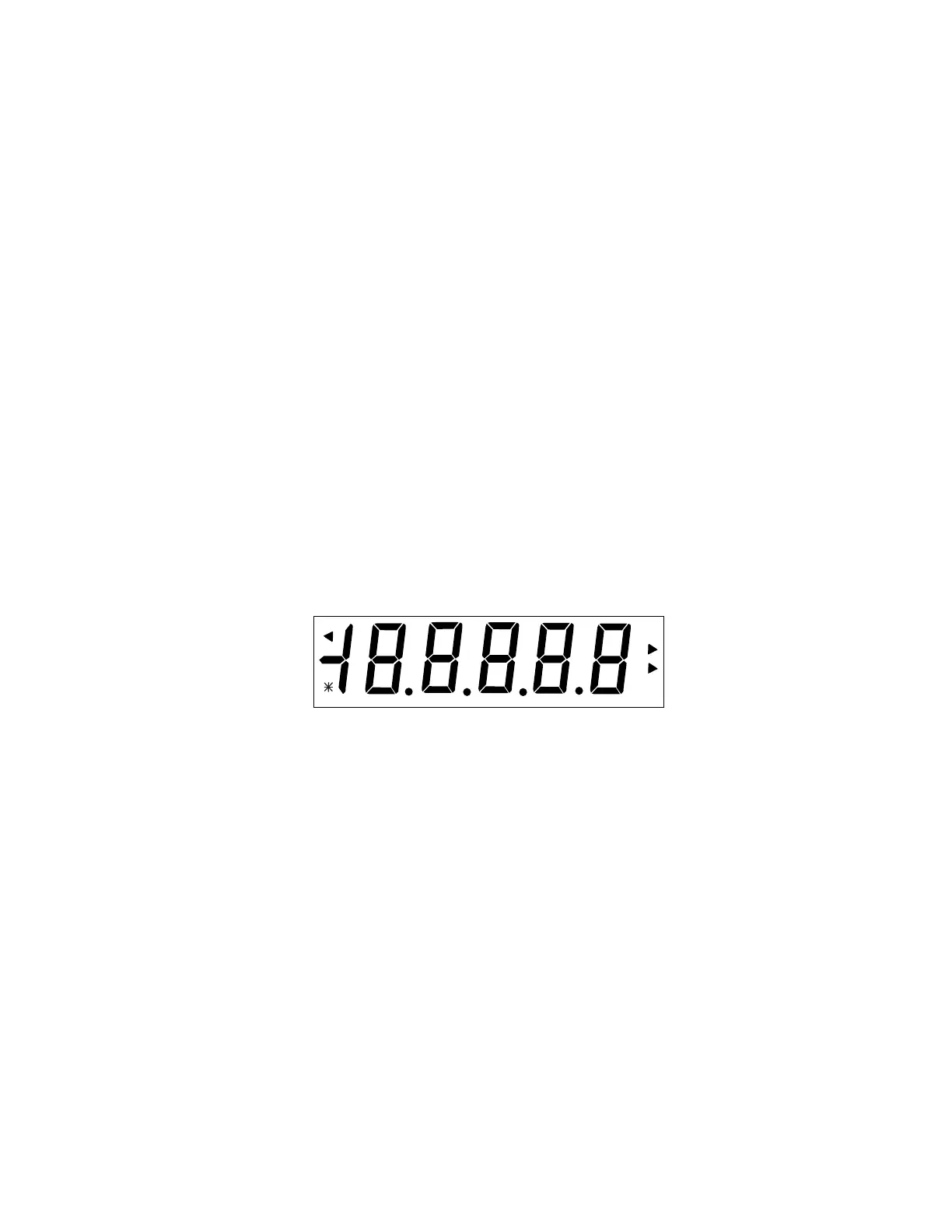
• Power Up Test: When the scale is turned on, all display segments will
appear for approximately 3 seconds before resetting to zero.
• Stable Reading Indication: On the display, a star indicator will appear in
the lower left corner of the display when a stable reading has been
reached.
• Weight Unit Indication: On the display, either lb oz, oz, or g will appear
indicating the weight unit selected.
• Overload: If the applied load exceeds the capacity of the scale, an E
will appear on the display and the load should be removed immediately.
The scale will return to normal operation.
• Zero Function: Values can progressively be added to a sample. By
pressing the On/Off Zero button, the scale display returns to zero. After
adding additional mass, press On/Off Zero to zero the scale again.
Additional mass may be added up to the capacity of the scale.
oz
g
lb
lb




 To Next Page