EasyManua.ls Logo

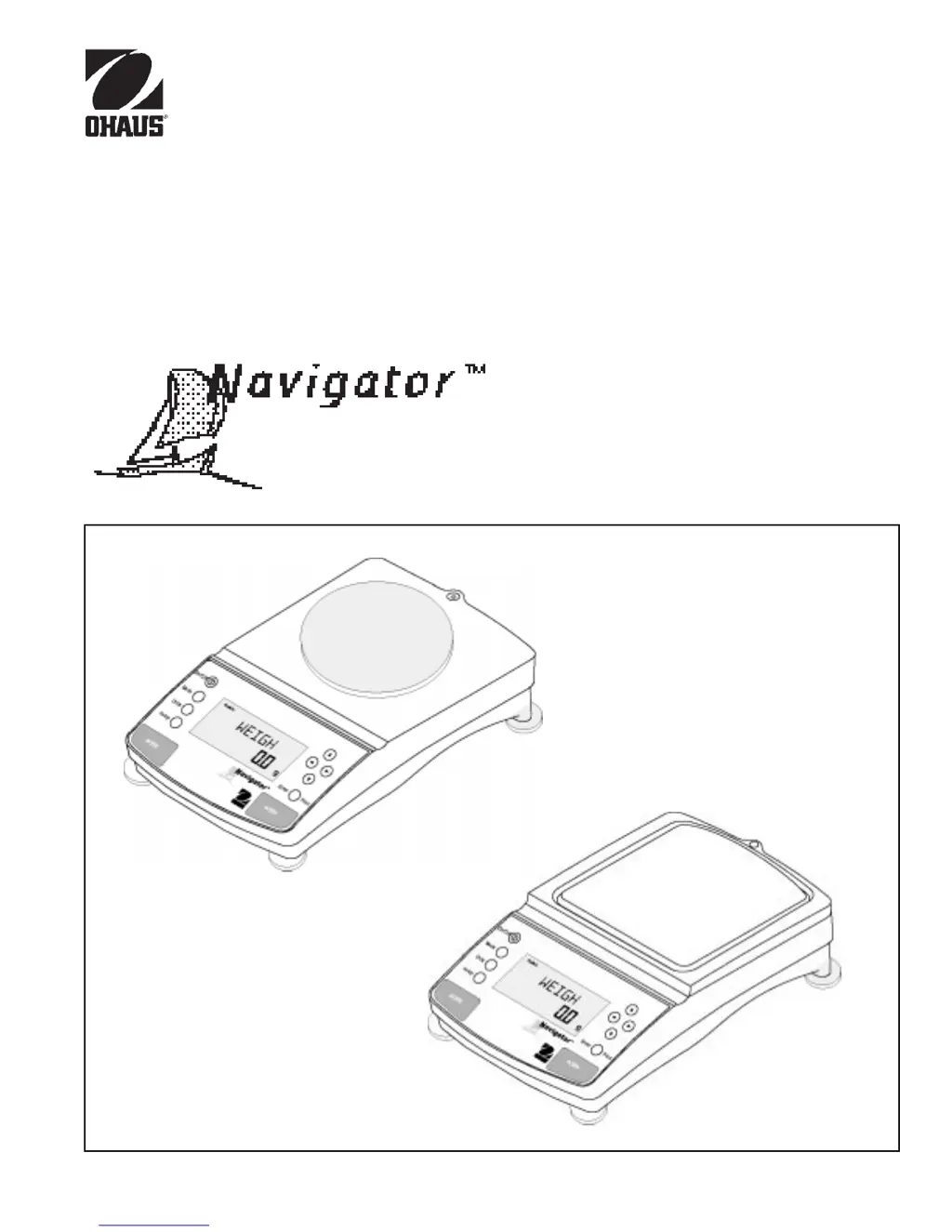
OHAUS Navigator - User Manual

OHAUS Navigator
49 pages
Print Icon
To Next Page IconTo Next Page
Loading...
1
INSTRUCTION MANUAL
Balances
Ohaus CorporationOhaus Corporation
Ohaus Corporation
29 Hanover Road
Florham Park, NJ
07932-0900

Other manuals for OHAUS Navigator

Questions and Answers

  • T
    timothyrobertsAug 14, 2025
    Why do OHAUS Navigator Scales show incorrect weight reading?
    • S
      smyersAug 15, 2025
      If your OHAUS Scales show an incorrect weight reading, it might be due to a couple of reasons. First, ensure that the balance was re-zeroed before weighing the item. Press the button with no weight on the pan, and then proceed to weigh your item. Secondly, the balance might not be properly calibrated. If this is the case, recalibrate the balance correctly.
  • A
    Alexis CameronAug 18, 2025
    How to fix OHAUS Navigator that will not turn on?
    • D
      Denise AndersonAug 18, 2025
      If your OHAUS Scales unit will not turn on, the power cord may not be properly plugged in or connected to the balance. Check the power cord connections to resolve this issue.
  • G
    Gina TaylorAug 21, 2025
    Why do I get unstable readings on my OHAUS Scales?
    • R
      Ronald BrooksAug 21, 2025
      If your OHAUS Scales are displaying unstable readings, consider these factors: there might be excessive air currents affecting the balance, so check the environmental conditions. Alternatively, vibration on the table surface could be the cause. Try placing the balance on a more stable surface or adjusting the filter setting.
  • N
    Nicole DanielsAug 25, 2025
    What to do if RS232 interface is not working on OHAUS Navigator?
    • T
      Todd HoltAug 26, 2025
      If your OHAUS Scales RS232 interface is not working, verify the interface settings in the RS232 menu correspond to those of the peripheral device. Also, check the cable connections and ensure all pin connections are correct. Lastly, if operating on battery, check that the RS232 Power submenu is set to ON.
  • M
    Marc StewartAug 28, 2025
    How to unlock settings on OHAUS Navigator Scales?
    • J
      Joshua HarrisAug 28, 2025
      If you're unable to change settings on your OHAUS Scales, it could be because the menu is locked. Check if the Lock Switch is set to ON and set it to OFF. Also, ensure the menu Lock is set to OFF in the settings.
  • R
    Rachel ScottAug 31, 2025
    How to enable weighing mode on OHAUS Navigator Scales?
    • S
      Scott BlackAug 31, 2025
      If you cannot access the desired weighing mode on your OHAUS Scales, it may not be enabled. Press the mode button until the desired weighing mode is displayed. If it is still not accessible, enable the weighing mode in the Setup Menu.
  • R
    Ryan LivingstonSep 3, 2025
    Why can't I save changes in OHAUS Scales settings?
    • S
      Sheila WallaceSep 3, 2025
      If you are unable to store menu settings/changes on your OHAUS Scales, ensure that you press Enter when prompted. Additionally, check if the menu is locked and unlock it if necessary.
  • W
    Willie BellSep 7, 2025
    How to change units on OHAUS Navigator Scales?
    • R
      richardmillerSep 7, 2025
      If you cannot display the weight in your desired unit on OHAUS Scales, it is possible that the unit is not enabled. Press the Units button until your desired measuring unit is shown. If it still doesn't display, enable the unit in the Setup menu.
  • C
    Cody LandrySep 10, 2025
    What to do if OHAUS Navigator display locks up?
    • A
      Austin BriggsSep 10, 2025
      If your OHAUS Scales display random segments or the display locks up, the microprocessor may have locked up. To resolve this, reset the balance by holding the ON/OFF button for at least 5 seconds before releasing. If the condition persists, the unit must be serviced.

Summary

Instruction Manual

Navigator Balances

Introduction to the Navigatorâ„¢ balances instruction manual.

Declaration of Conformity

Control Panel Overview

Controls and Their Functions

Identifies and describes the function of each button on the balance control panel.

Display Indicators

Understanding Display Symbols

Explains the meaning of various symbols and characters shown on the balance display.

Installation Procedures

Unpacking and Checking Equipment

Steps for unpacking and verifying the contents of the balance package.

Operating Your Balance

Navigating the Balance Menu

Explains how to access and use the balance's three main menus: Mode, Units, and Setup.

Balance Calibration Methods

Overview of the five available calibration methods for the balance.

Internal Calibration (InCal)

Step-by-step guide for performing internal calibration using the InCalâ„¢ feature.

Span Calibration Procedure

Guide for performing span calibration using two calibration points.

User Calibration Guide

How to calibrate the balance using a known external mass of user-defined value.

Linearity Calibration

Steps for performing linearity calibration using three calibration points.

Standard Weighing Operation

How to perform basic weighing operations and select units.

Setting Up Your Balance

RS232 Communication Settings

Configuration of power, baud rate, parity, data, stop bits, and lock for RS232.

Care and Maintenance

Troubleshooting Common Issues

Lists common symptoms, probable causes, and remedies for balance problems.

RS232 Interface Hardware and Commands

Details on the physical RS232 connection and communication command table.

Error Codes and Remedies

Explains various error codes displayed by the balance and their solutions.

OHAUS Navigator Specifications

General IconGeneral
BrandOHAUS
ModelNavigator
CategoryScales
LanguageEnglish

Related product manuals