APPENDIX B THE SERVICE MENU
B.3 Linear Calibration
Linear calibration automatically follows Ramp. To start from the Service Menu, press and hold
O/T/On/Off and MODE/UNIT/Menu together. As the scale powers up, RAMP appears. Press
No to bypass Ramp.
When Linear appears, press Yes.
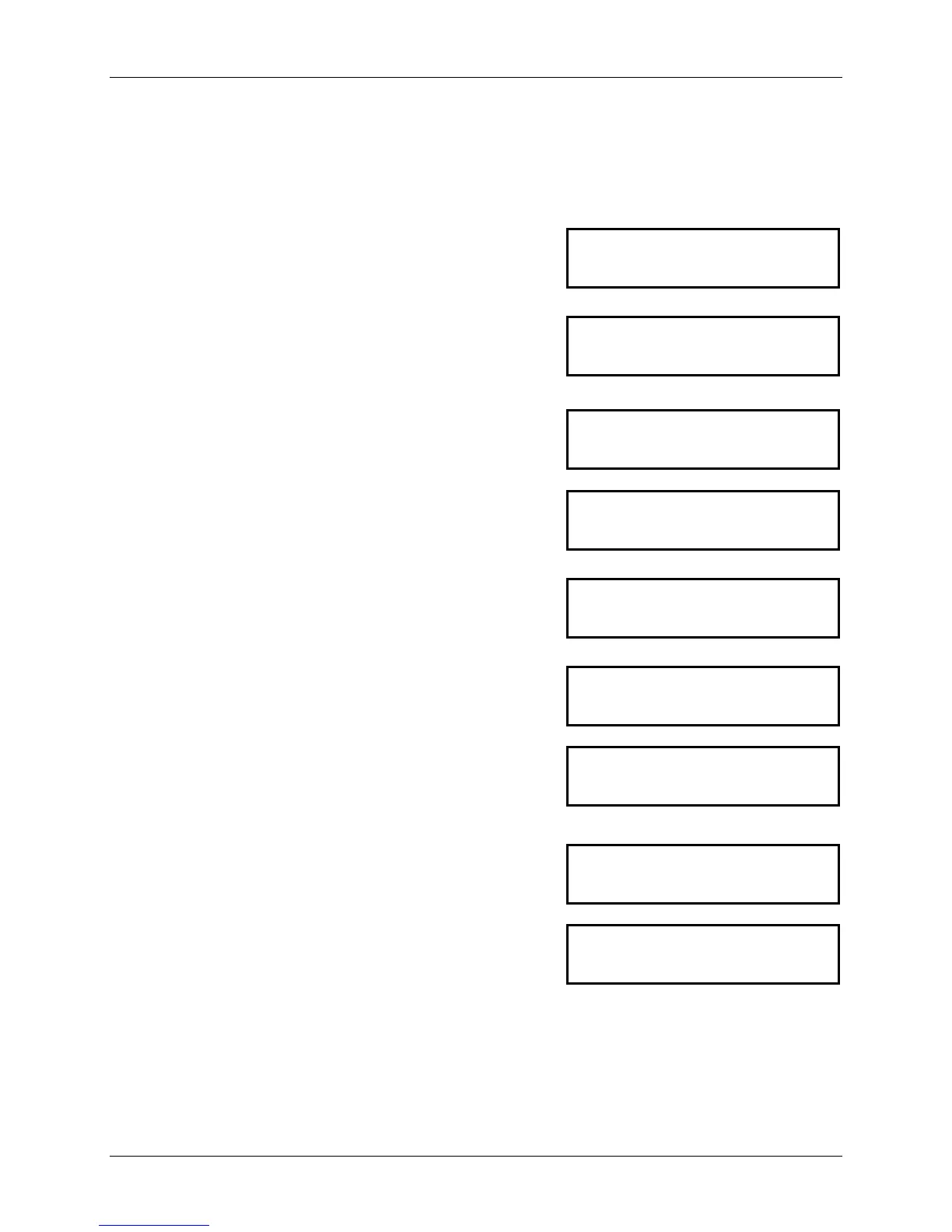
LIN
The display shows
-C- while the scale acquires the
zero value.
-C-
After the zero value is acquired, the display shows the
first calibration point value.
Place the indicated weight on the Pan, and press Yes.
100
If the target weight is not placed on the pan within 10
seconds, error CAL E is displayed for 3 seconds and the
menu returns to LIN.
Cal E
Pressing Yes after placing the prompted weight accepts
the linearity mid-point weight .The display shows -C-
while the scale acquires the weight reading.
After the mid-point value is acquired, the display shows
the second calibration point value.
200
If the target weight is not placed on the pan within 10
seconds, error CAL E is displayed for 3 seconds and the
menu returns to LIN.
Cal E
Pressing Yes after placing the prompted weight accepts
the linearity full-capacity weight. The display shows -C-
while the scale acquires the weight reading.
-C-
After the full-capacity value is acquired, the display
shows done for 2 seconds and returns to LIN.
Done
Press No to move to Span calibration. Then press Yes.
Span
Ohaus Corporation www.ohaus.com B-2 Valor™ 3000 Series Service Manual




 To Next Page