APPENDIX C SOFTWARE SERVICE TOOL INSTRUCTIONS
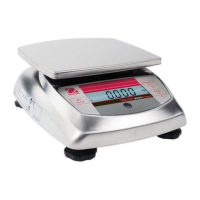
Ohaus Corporation www.ohaus.com C-2 Valor™ 3000 Series Service Manual
C.1 Hardware and Software Setup continued
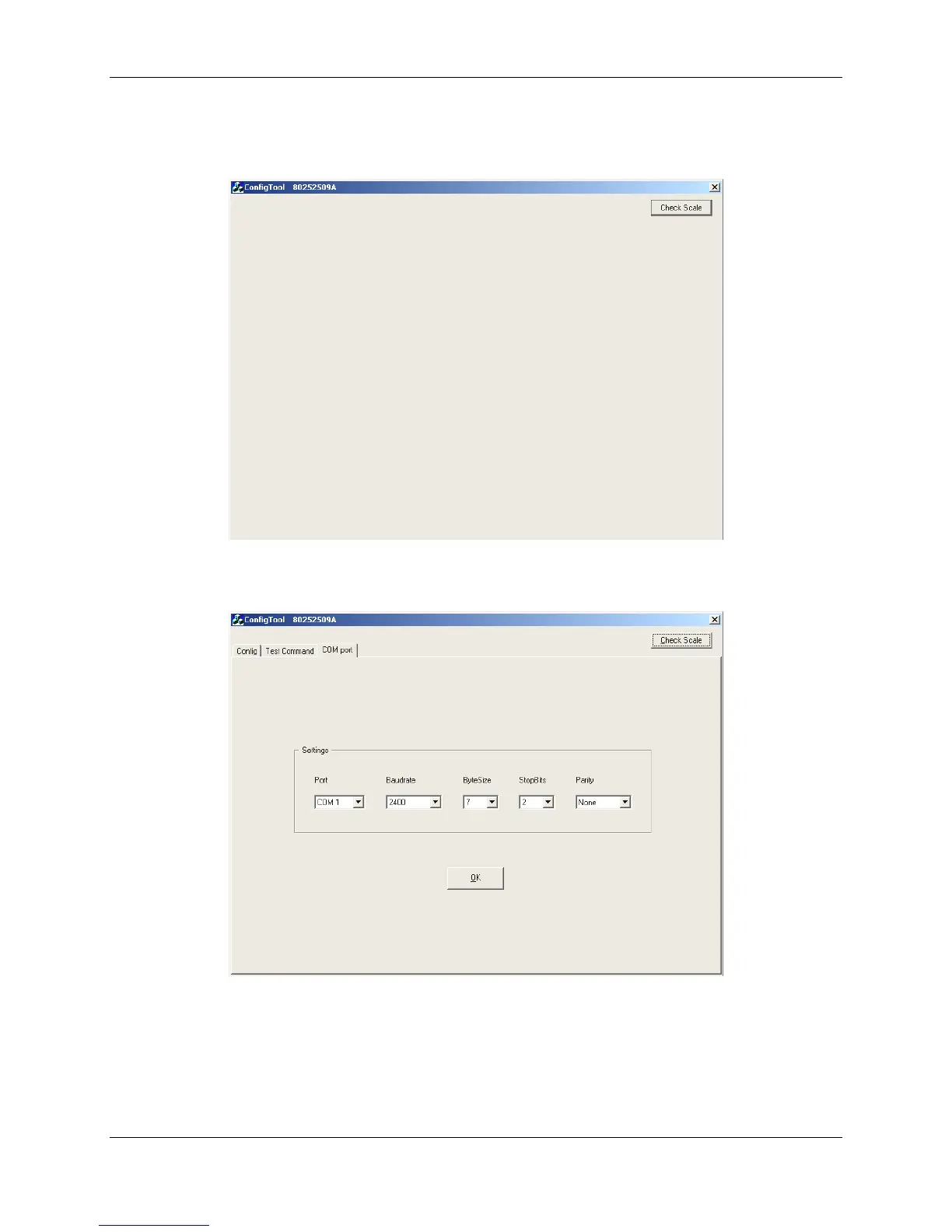
6. Open Configtool.exe and click Check Scale.
Figure C-3. First screen of Configtool.exe.
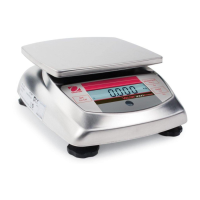
7. Click COM port for Communication setup.
Figure C-4. Com Port Configuration screen with correct settings.
8. The communications parameters should appear mid-screen. Correct values are:
Baud = 2400 ByteSize = 7 Parity = None
If the settings do not match, click the arrow next to the parameter and select the correct
value. (See Figure C-4.)




 To Next Page