Need help?
Do you have a question about the Oki B840 and is the answer not in the manual?
Steps to clear paper jams from the Multi Purpose Tray for specific error codes.
Procedure to remove paper jams located near the printer's output exit.
Instructions for clearing paper jams from inside the printer for various error codes.
Guide to removing paper jams from the duplex unit.
Steps to clear paper jams from paper trays 2 and 3.
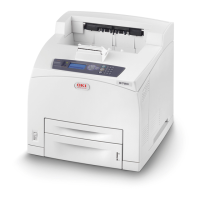
This document provides instructions for removing jammed paper from the OKI B840/ES8140 printer. It serves as a guide for users to quickly and simply clear paper jams and restore normal printer operations.
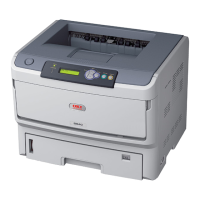
The OKI B840/ES8140 is a printer designed for various printing tasks. Like many printers, it can occasionally experience paper jams due to misfeeding from a paper tray or at any point along the paper path. When a jam occurs, the printer immediately stops, and an Alert LED on the Status Panel illuminates, displaying an error code to indicate the location of the jam. This manual details the steps to address these jams based on the specific error code displayed.
 General
| Brand | Oki |
|---|---|
| Model | B840 |
| Category | All in One Printer |
| Language | English |

 To Next Page