EasyManua.ls Logo

Oki C612 - User Manual

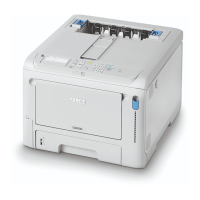
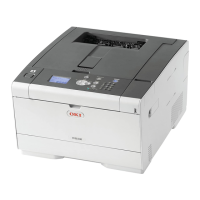
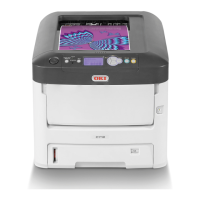
Oki C612
93 pages
Print Icon
To Next Page IconTo Next Page
Loading...
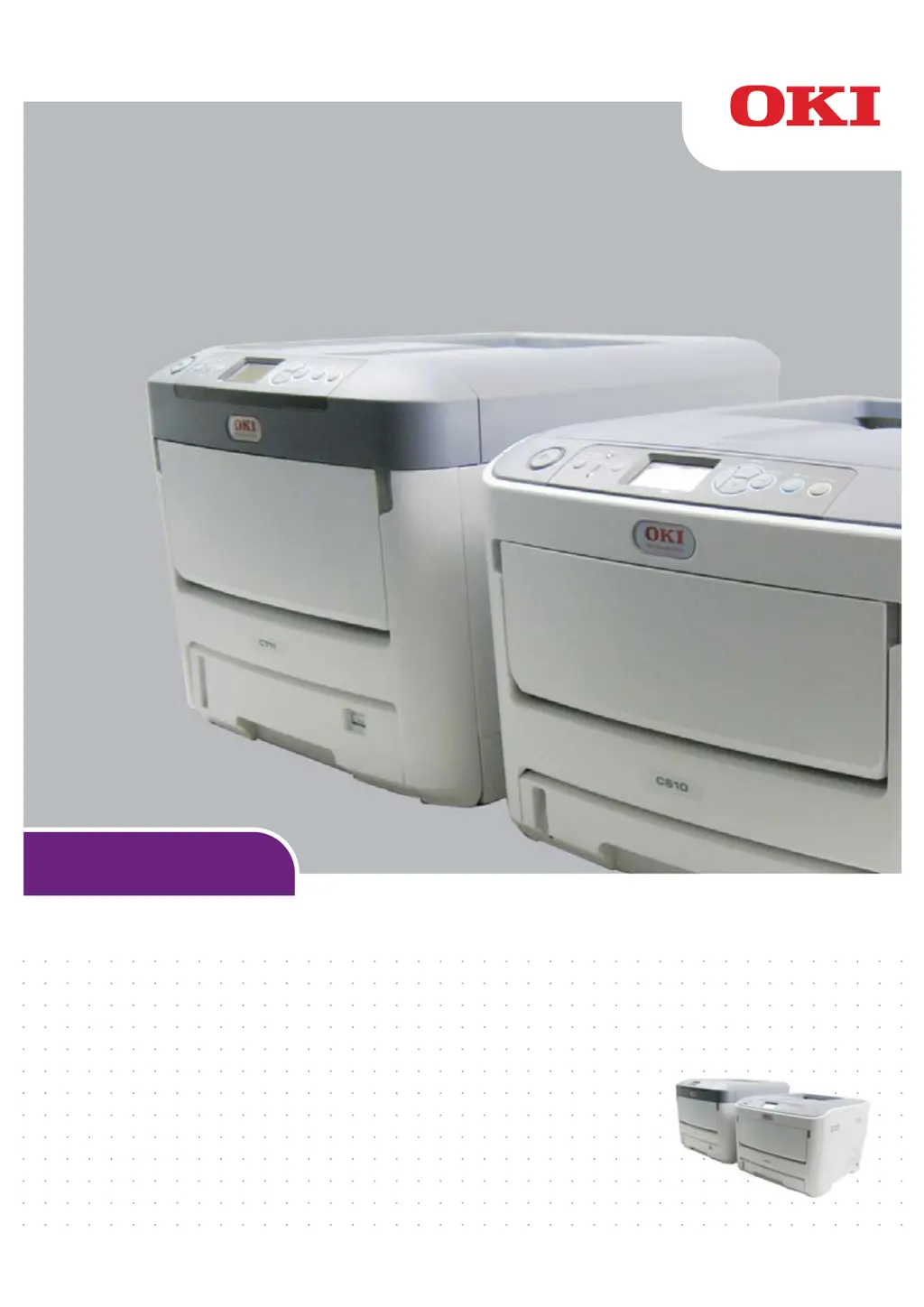
User’s Guide
C612/C712/ES6412/ES7412

Table of Contents

Questions and Answers

  • L
    Luke DuncanAug 9, 2025
    What to do if Oki C612 Printer shows 'Caution, unknown Consumable detected'?
    • M
      meredith42Aug 9, 2025
      If the Oki Printer displays the message “Caution, unknown Consumable detected”, turn off the printer. Then, press and hold the Cancel button while turning the printer back on. After the printer starts up, release the Cancel button.
  • M
    mayscoreyOct 27, 2025
    How to fix paper jams in Oki C612 Printer?
    • T
      Thomas JohnsonOct 27, 2025
      If a sheet is partially out of the Oki Printer, gently pull it out. If it doesn't come out easily, don't force it. Open the printer’s output tray fully by pressing the cover release. Check for paper on the belt unit. To remove a sheet with its leading edge at the front of the belt, lift the sheet from the belt and pull it into the internal drum cavity. For a sheet in the central belt area, separate it from the belt and withdraw it. If a sheet is entering the fuser, separate its trailing edge from the belt, push the fuser pressure release lever forward and down, and withdraw the sheet through the drum cavity. Don't pull back a sheet far into the fuser. To remove a sheet in the fuser, push the two retaining levers towards the rear to release the fuser, then withdraw the fuser unit. Replace t...

Summary

Emergency First Aid

Notes, Cautions and Warnings

Printer Overview

Getting Started

Loading Paper

Menu Functions

Operator Panel Overview

Detailed explanation of the printer's operator panel buttons and display.

Admin Setup

Network and Connectivity Setup

Configuration for network interface, IP addresses, and protocols.

Print and Emulation Settings

Settings for printer language emulations, resolution, and print quality.

Print Statistics

Calibration

Wireless Network Setup

Wireless (Infrastructure) Mode

Steps to connect the printer to a wireless network via Infrastructure mode.

Maintenance

Toner Cartridge Replacement

Step-by-step guide for replacing toner cartridges.

Image Drum Replacement

Step-by-step guide for replacing the image drum units.

Transfer Belt Unit Replacement

Step-by-step guide for replacing the transfer belt unit.

Fuser Replacement

Step-by-step guide for replacing the fuser unit.

Cleaning

Installing Upgrades

Duplex Unit Installation

Step-by-step guide for installing the duplex (two-sided printing) unit.

Troubleshooting

Clearing Paper Jams

Step-by-step procedures for removing jammed paper from the printer.

Specifications

Oki C612 Specifications

General IconGeneral
Print TechnologyLED
Print Speed (Color)Up to 34 ppm
Print Speed (Black)Up to 36 ppm
Monthly Duty CycleUp to 75, 000 pages
Resolution1200 x 1200 dpi
ConnectivityUSB 2.0, Ethernet
Memory256 MB
Duplex PrintingStandard
Media SizeA4, A5, A6, B5, Legal, Letter, Executive, Envelopes
Operating System CompatibilityWindows, macOS, Linux

Related product manuals