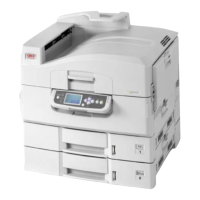
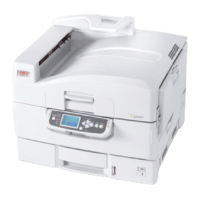
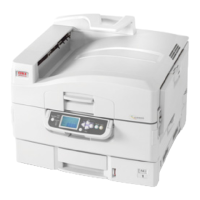
Control panel > 24
4. LCD panel
Displays status and setup information for the printer and user help information in
your chosen language
5. Up-arrow button
Enters menu mode and enables upward movement through the displayed list of menu
items
6. Down-arrow button
Enters menu mode and enables downward movement through the displayed list of
menu items
7. Back button
Returns to the previous higher level menu item
8. Enter button
Enters menu mode and selects the menu item highlighted in the LCD panel
9. Online button
Switches between online (printer ready to receive data) and offline (printer not ready
to receive data)
10. Cancel button
Cancels current print job
11. Help button
Provides additional textual or image data to supplement what is displayed on the LCD
panel



 To Next Page