45
2. Verificare che la carta sia caricata nella stampante. Spegnere la stampante
premendo l'interruttore di alimentazione, quindi riaccenderla premendo il
tasto FEED sul pannello dei comandi. Viene prodotta la stampa illustrata nella
sezione 9-1.
Premendo il tasto FEED due volte (per selezionare 2. Setup Menu), viene
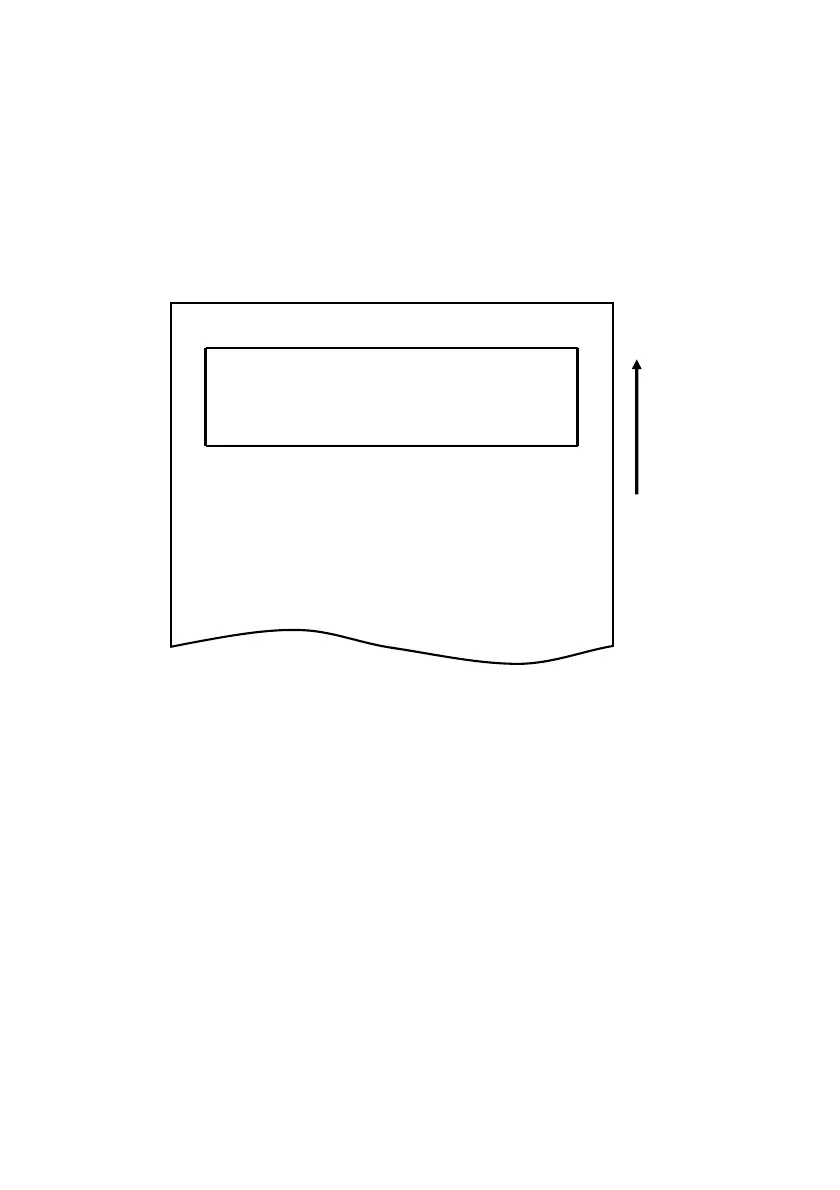
attivata la modalità di configurazione e viene stampato il menu seguente.
Setup Menu
1.Setting
2.Setup Print
3.Save & End
4.Default Set
<Set>
Press FEED button for the number of times
as the same as your selecting item, and
wait more than 1 second.
<Return>
Continue to press FEED button more than
1 second.
用紙送り方向
Direzione di avanzamento
della carta



 To Next Page