4345-E P-36
SECTION 10 PARAMETER SETTING
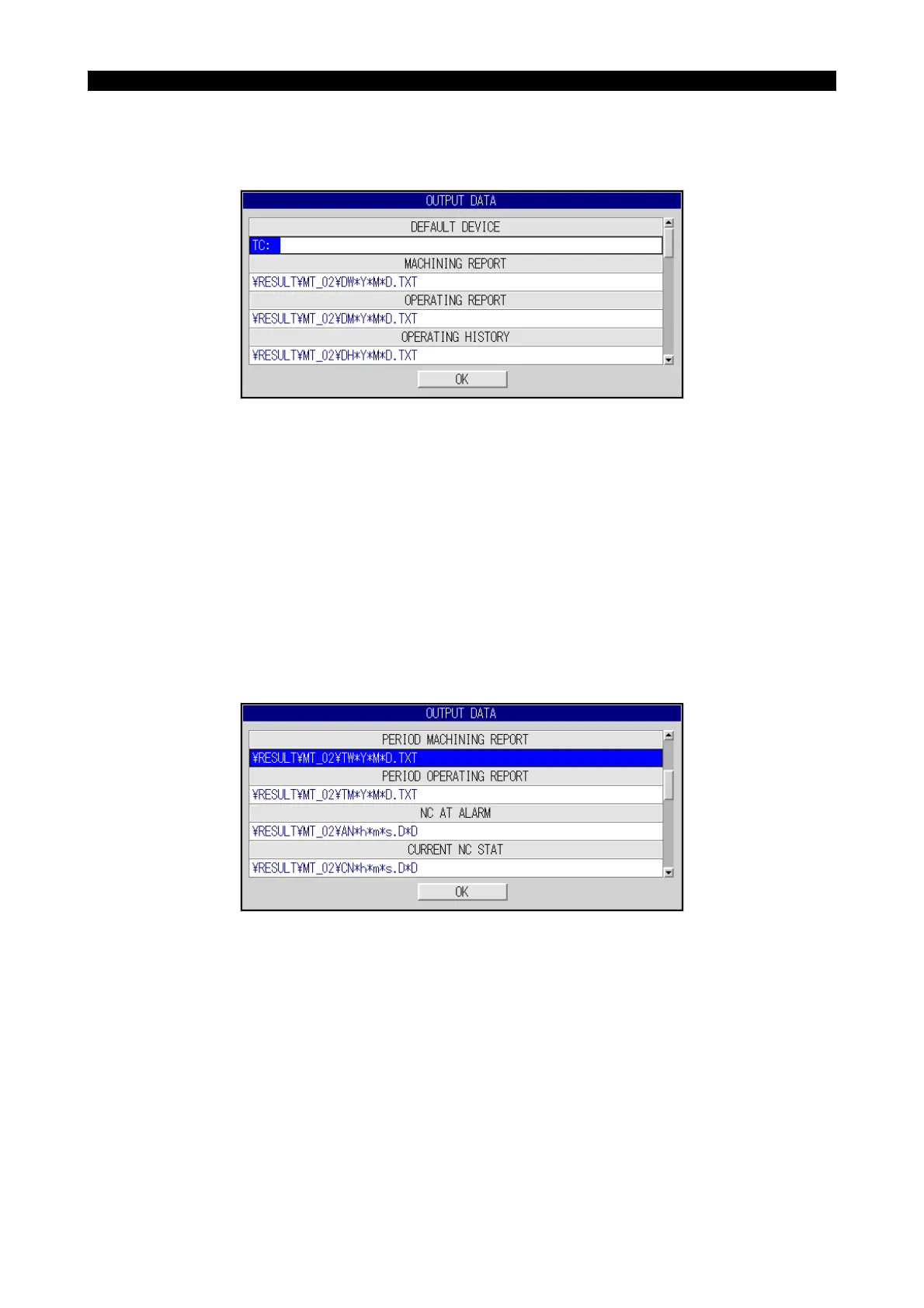
2. OUTPUT DATA
Eeospkkue007
Page 1
EIOSPKKUE003R01
(1) DEFAULT DEVICE NAME
• Explanation
The default name of the device where the file is output if no device name is specified for file out-
put operation is set.
Note that the setting simply specifies the device name and the status of the floppy disk drive is
not checked. This means the floppy disk drive may not be installed even if the setting is made.
• Setting
FD0: to FD9:
(2) DAILY MACHINING REPORT FILE: DEFAULT FILE NAME
(3) DAILY OPERATING REPORT FILE: DEFAULT FILE NAME
(4) DAILY OPERATING HISTORY FILE: DEFAULT FILE NAME
Page 2
EIOSPKKUE004R01
(5) PERIOD MACHINING REPORT FILE: DEFAULT FILE NAME
(6) PERIOD OPERATING FILE: DEFAULT FILE NAME



 To Next Page