4345-E P-37
SECTION 10 PARAMETER SETTING
Page 3
EIOSPKKUE005R01
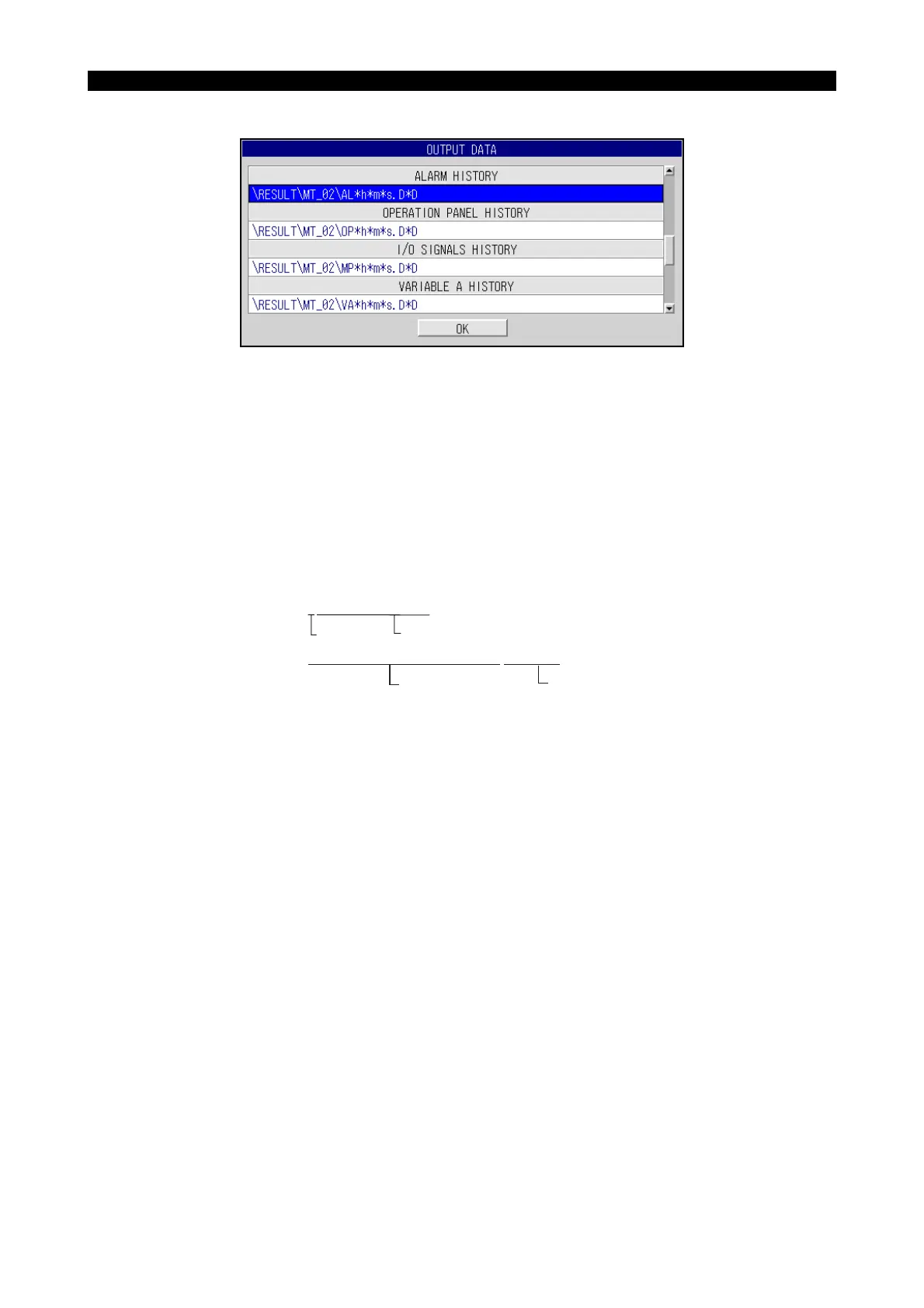
(7) ALARM HISTORY FILE: DEFAULT FILE NAME
(8) OPERATION PANEL HISTORY FILE: DEFAULT FILE NAME
• Explanation
The default names of the files used to output the report or troubleshooting information to the
floppy disk. Since the report and troubleshooting information are output to the MS-DOS format
floppy disk, the default file names to be set must conform to the rule of MS-DOS.
• Setting
For a name, within 65 characters of alphanumerics which are preceded and followed by the
back slash code () can be input. Set a file name following the path name. Note that the directory
name and path name must conform to the MS-DOS rule.
EIOSPKKUE008R01
\ABCDEFGH.TXT
Path name File name
\PART13.DIR\WORK954.DIR\RP.TXT
Path name File name



 To Next Page