Page 33
DIFFERENTIAL PRESSURE TRANSMITTER - USER GUIDE
9. LOCAL LCD DISPLAY INTERFACE – 1-5 V
1. LCD Function
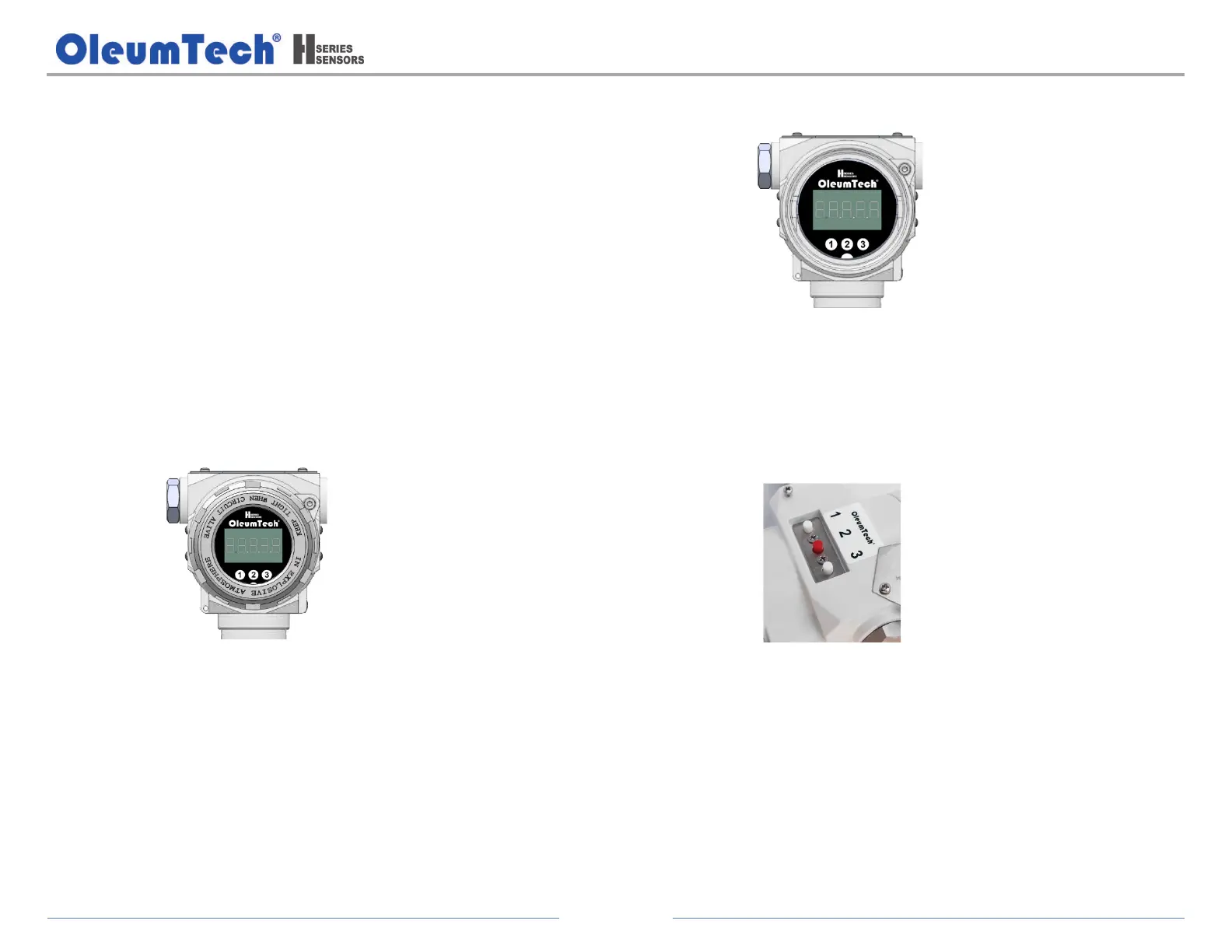
The LCD-enabled transmitter provides a 3-button (1, 2, 3) local display
interface that allows the users to fully configure the device settings and
parameters.
The internal buttons are designed for use in non-hazardous locations,
whereas the external buttons are for use in hazardous locations.
The 3-button interface is located on both the LCD Module (internal) and on
top of the enclosure (external) accessible by pivoting the metal plate
cover.
a. Local LCD Display Interface:
The backlit local LCD display is on by default and can be turned
off. It provides instant access to process data and configuration.
b. Operation in Non-Hazardous Locations:
The internal buttons located on the LCD Module can be used in safe
areas.
c. Operation in Hazardous Locations:
The external buttons are located on top of the enclosure accessible
underneath the metal plate cover.


 To Next Page