Need help?
Do you have a question about the Olimpia splendid Bi2 and is the answer not in the manual?
Details the appliance warranty provided by Olimpia Splendid and exclusions.
Provides critical safety instructions and limitations for the proper use and installation of the wireless kit.
Specifies the operating frequency band, maximum transmitted power, and communication standard used.
Explains how to verify terminal compatibility by checking the serial number's fifth symbol.
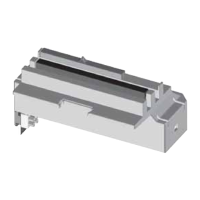
Lists the contents of the kit (Board, Cable, Manual) and basic assembly instructions.
Provides a labeled diagram identifying key components of the wireless kit.
Details installation steps, including connection to the printed circuit board and display.
Instructions for downloading the OS Smart System application from app stores.
Guide on how to add and pair a new terminal to the network using the app.
Explains how to log in to the OS Smart System app using credentials or signing up.
Guide on adding and configuring the first and subsequent devices within the app.
Instructions on selecting and interacting with paired devices via the app's central menu.
Details on setting fan speed, temperature, manual/programming modes, and operating modes.
Guide to setting daily heating/cooling schedules with time bands and temperature adjustments.
Information on app settings, user profile, network connection, software versions, and obtaining support.
Guide to diagnose issues based on the status of the Green LED Modbus indicator.
Guide to diagnose issues based on the status of the Blue LED Cloud indicator.
 General
| Brand | Olimpia splendid |
|---|---|
| Model | Bi2 |
| Category | Microphone system |
| Language | English |


 To Next Page