4
iOS
Android
5
5
3
1
1
1
EN - 6
ENGLISH
3.5 - CONNECTION WITH
THE DISPLAY
• Remove the necessary parts of
the terminal to access the rear
part of the display.
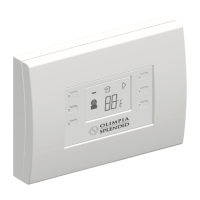
• Connect the feeding strip (5) of
theKitB1130asshowningure.
4 - INSTALLATION OF THE APP
4.1 - DOWNLOAD OF THE APP
•
The App OS Smart System can be downloaded from Google Play Store and iPhone App Store
• The App OS Smart System can be subject to changes without prior notice, designed
to improve its characteristics and performance.
3.4 - CONNECTION WITH
THE PRINTED CIR-
CUIT BOARD
• Remove the necessary parts of
the terminal to access the printed
circuit board.
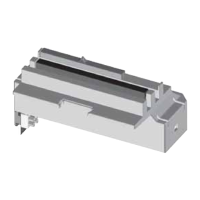
• Connect the connector (1) of the
KitB1130asshowningure.
The printed circuit board
model may vary accord-
ing to the model.



 To Next Page