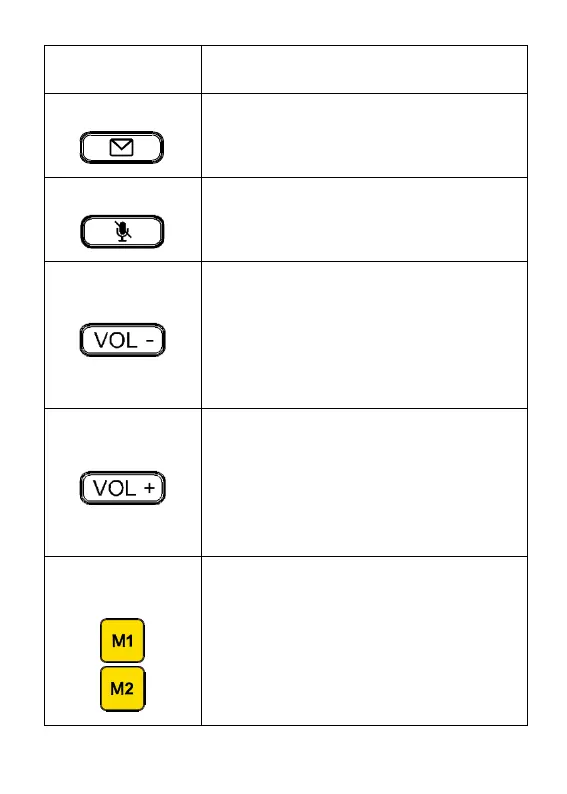
Direct access key to Messages.
When pressed, Messages open.
Press key to mute your voice during
a call.
Press volume down key to:
Decrease ringtone volume when not
on an active call; OR
Decrease handset/ speaker volume
during an active call.
Press volume up key to:
Increase ringtone volume when not
on an active call; OR
Increase handset/ speaker volume
during an active call.
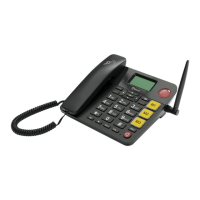
Press the dedicated speed dial key to
call the phone number programmed
to the key. See page 28 for more
information. The clear cover on the
key can be removed and replaced by
a personalised card (colour, name,



 To Next Page