Basic Operation
OPERATION GUIDE 4-3
Canceling Copy
1
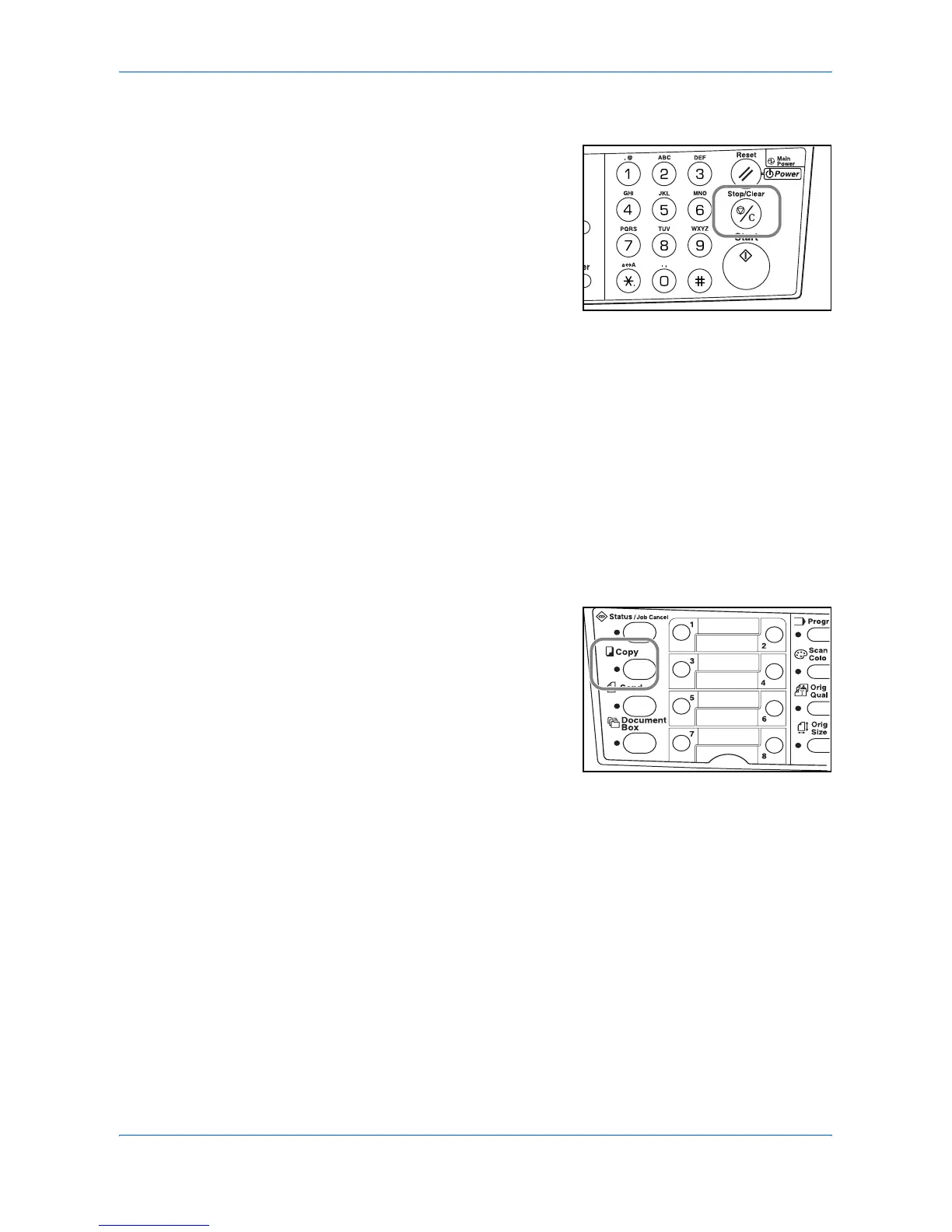
Press Stop/Clear. The Pausing Job List
screen will be displayed.
2
Press S or T to select the copying job to cancel.
3
Press left Select.
4
Cancel Job. Are you sure? is displayed. Press left Select.
5
Canceling is displayed and the copying is canceled.
6
The Pausing Job List screen is displayed.
If you want to cancel another job, repeat steps 2 through 5.
7
Press right Select. The Status Menu screen is displayed and processing of jobs is
resumed.
8
To enable copying again, press Copy. The
message display returns to the basic
screen.












 To Next Page