EasyManua.ls Logo

Olivetti d-Copia 300 - User Manual

Olivetti d-Copia 300
288 pages
Print Icon
To Next Page IconTo Next Page
Loading...
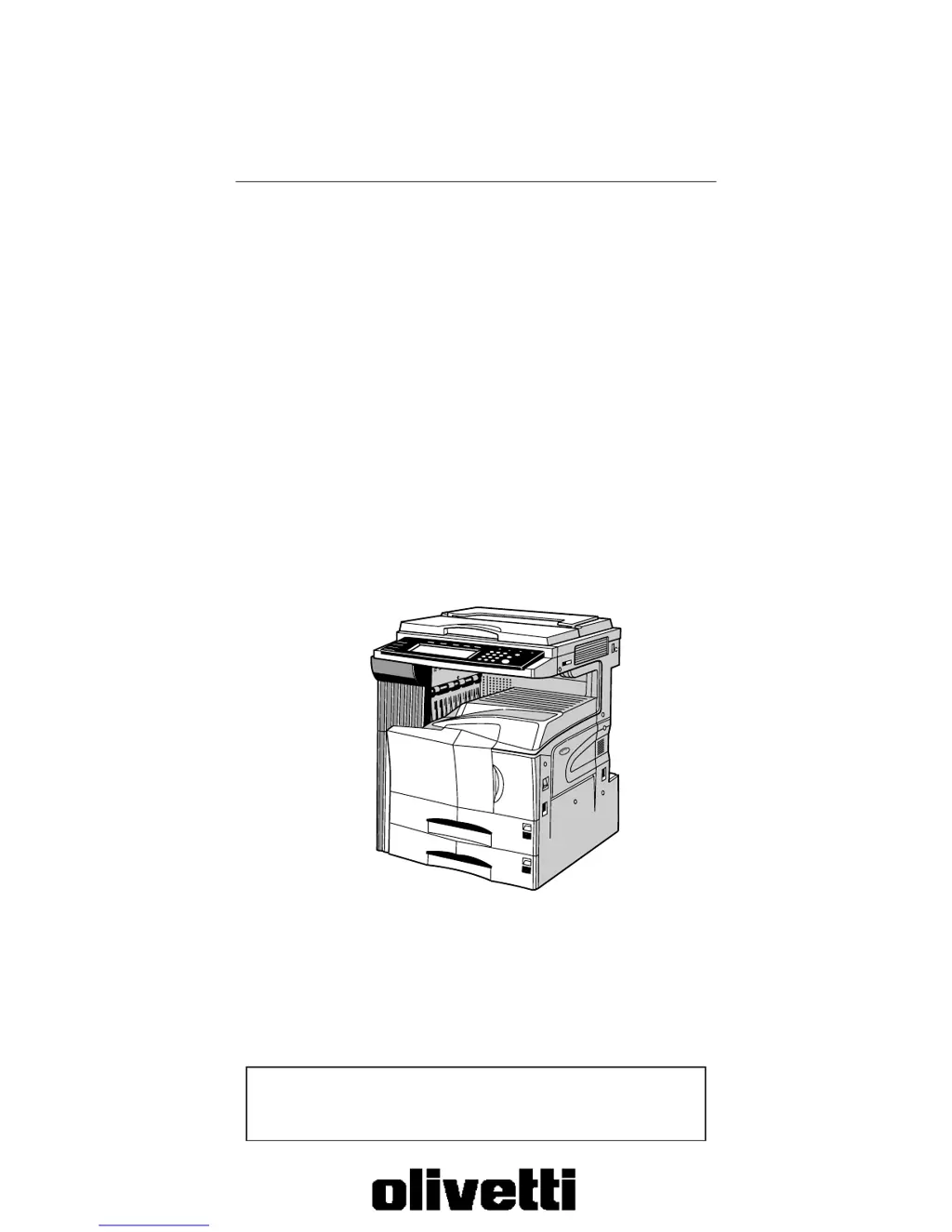
Copier Operation Guide
Please read the operation guide before using the copier.
Keep it close to the copier for easy reference.
d-Copia 300
d-Copia 400
d-Copia 500

Table of Contents

Other manuals for Olivetti d-Copia 300

Questions and Answers

Summary

Section 1 IMPORTANT! PLEASE READ FIRST.

CAUTION LABELS

Explains caution labels attached to the copier for safety purposes.

INSTALLATION PRECAUTIONS

Details precautions for installing the copier to ensure safe and proper operation.

PRECAUTIONS FOR USE

Provides cautions and warnings for safe and proper use of the copier.

Section 3 PREPARATIONS

1. Loading paper

Provides procedures for loading copy paper into the copier's drawers and trays.

2. Loading paper into the drawer[cassette]

Step-by-step instructions for loading paper into the copier's drawers or cassettes.

Section 4 BASIC OPERATION

1. Basic copying procedure

Outlines the fundamental steps required to make simple copies.

Section 7 COPIER MANAGEMENT FUNCTIONS

1. Copy management mode

Details registering department ID-codes to manage copy usage and set restrictions.

Section 9 TROUBLESHOOTING

1. If one of the following messages is displayed

Provides actions to take when specific error messages appear on the display.

3. When paper misfeeds

Details procedures for removing jammed paper from various locations in the copier.

Section 10 MAINTENANCE AND OPERATION INFORMATION

Summary

Section 1 IMPORTANT! PLEASE READ FIRST.

CAUTION LABELS

Explains caution labels attached to the copier for safety purposes.

INSTALLATION PRECAUTIONS

Details precautions for installing the copier to ensure safe and proper operation.

PRECAUTIONS FOR USE

Provides cautions and warnings for safe and proper use of the copier.

Section 3 PREPARATIONS

1. Loading paper

Provides procedures for loading copy paper into the copier's drawers and trays.

2. Loading paper into the drawer[cassette]

Step-by-step instructions for loading paper into the copier's drawers or cassettes.

Section 4 BASIC OPERATION

1. Basic copying procedure

Outlines the fundamental steps required to make simple copies.

Section 7 COPIER MANAGEMENT FUNCTIONS

1. Copy management mode

Details registering department ID-codes to manage copy usage and set restrictions.

Section 9 TROUBLESHOOTING

1. If one of the following messages is displayed

Provides actions to take when specific error messages appear on the display.

3. When paper misfeeds

Details procedures for removing jammed paper from various locations in the copier.

Section 10 MAINTENANCE AND OPERATION INFORMATION

Olivetti d-Copia 300 Specifications

General IconGeneral
FunctionsPrint, Copy, Scan
Print TechnologyLaser
Print Speed (Black/A4)Up to 30 ppm
Copy Speed (Black)Up to 30 cpm
Copy Resolution600 x 600 dpi
Scan Resolution600 x 600 dpi
Automatic Document Feeder50 sheets
Maximum Paper SizeA4
First Print Time8.5 seconds
Scan TypeFlatbed, ADF
Paper Input Capacity250 sheets
Supported Paper SizesA4, A5, A6, Letter, Legal
ConnectivityUSB 2.0
DuplexYes
DisplayLCD
Zoom Range25% - 400%
Operating System CompatibilityWindows, Mac, Linux

Related product manuals