EasyManua.ls Logo

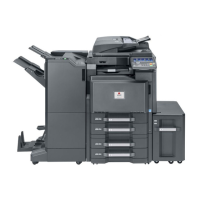
Olivetti d-Copia 300 - User Manual

Olivetti d-Copia 300
288 pages
Print Icon
To Next Page IconTo Next Page
Loading...
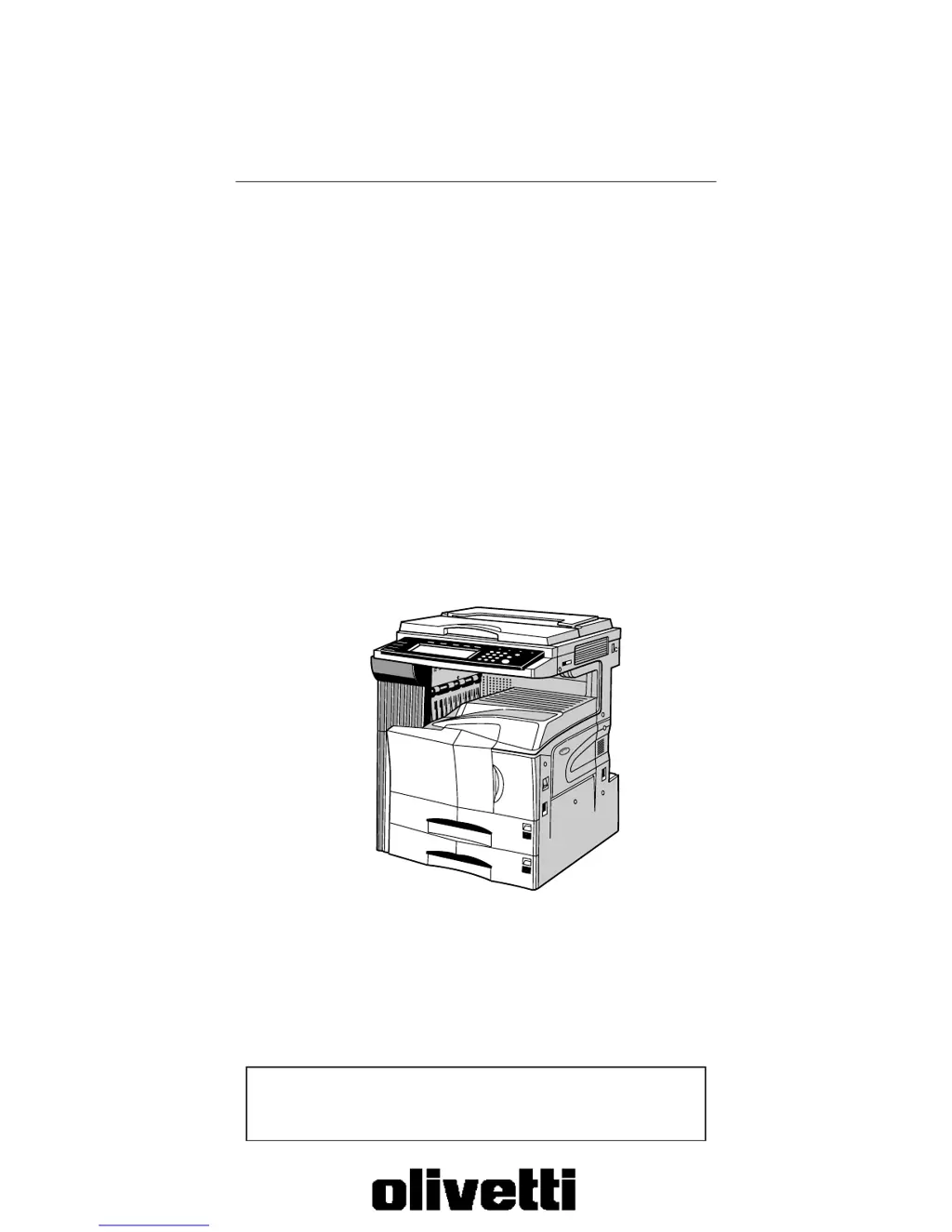
Copier Operation Guide
Please read the operation guide before using the copier.
Keep it close to the copier for easy reference.
d-Copia 300
d-Copia 400
d-Copia 500

Table of Contents

Other manuals for Olivetti d-Copia 300

Questions and Answers

  • M
    Melissa SmithSep 12, 2025
    Why does my Olivetti d-Copia 300 say 'Reposition original'?
    • P
      Pamela LongSep 12, 2025
      If your Olivetti All in One Printer displays 'Reposition original', it means that the orientation of the original and the selected paper are different. Change the orientation of the original.
  • E
    Elizabeth ButlerSep 13, 2025
    What does 'Exceeds pre registered copying quantity' mean on my Olivetti d-Copia 300?
    • J
      Juan HicksSep 13, 2025
      If your Olivetti All in One Printer displays 'Exceeds pre registered copying quantity', it means that the number of copies has reached the limit set in the copy management mode, and no more copies can be made. Clear the copy count from the management mode.
  • T
    Troy AndersonSep 16, 2025
    What does 'Copy limit for this ID-code has been reached' mean on my Olivetti d-Copia 300 All in One Printer?
    • R
      rkramerSep 16, 2025
      If your Olivetti All in One Printer displays 'Copy limit for this ID-code has been reached. No copying possible', it means that the number of copies has reached the limit set in the copy management mode, and no more copies can be made. Clear the copy count from the management mode.

Summary

Section 1 IMPORTANT! PLEASE READ FIRST.

CAUTION LABELS

Explains caution labels attached to the copier for safety purposes.

INSTALLATION PRECAUTIONS

Details precautions for installing the copier to ensure safe and proper operation.

PRECAUTIONS FOR USE

Provides cautions and warnings for safe and proper use of the copier.

Section 3 PREPARATIONS

1. Loading paper

Provides procedures for loading copy paper into the copier's drawers and trays.

2. Loading paper into the drawer[cassette]

Step-by-step instructions for loading paper into the copier's drawers or cassettes.

Section 4 BASIC OPERATION

1. Basic copying procedure

Outlines the fundamental steps required to make simple copies.

Section 7 COPIER MANAGEMENT FUNCTIONS

1. Copy management mode

Details registering department ID-codes to manage copy usage and set restrictions.

Section 9 TROUBLESHOOTING

1. If one of the following messages is displayed

Provides actions to take when specific error messages appear on the display.

3. When paper misfeeds

Details procedures for removing jammed paper from various locations in the copier.

Section 10 MAINTENANCE AND OPERATION INFORMATION

Olivetti d-Copia 300 Specifications

General IconGeneral
FunctionsPrint, Copy, Scan
Print TechnologyLaser
Print Speed (Black/A4)Up to 30 ppm
Copy Speed (Black)Up to 30 cpm
Copy Resolution600 x 600 dpi
Scan Resolution600 x 600 dpi
Automatic Document Feeder50 sheets
Maximum Paper SizeA4
First Print Time8.5 seconds
Scan TypeFlatbed, ADF
Paper Input Capacity250 sheets
Supported Paper SizesA4, A5, A6, Letter, Legal
ConnectivityUSB 2.0
DuplexYes
DisplayLCD
Zoom Range25% - 400%
Operating System CompatibilityWindows, Mac, Linux

Related product manuals