Basic Operation
4-12 OPERATION GUIDE
8
Enter the login user name and press Enter.
If you also have a domain name, enter it after the user name.
9
Enter the login password and press Enter.
10
Press Enter.
11
Place the original on the platen and press Start.
The scanned image is sent to the destination e-mail address as an attachment. The
image (PDF) is named as doc plus the date and time at which it was transmitted. For
example, a pdf attachment named doc04252005101530.pdf is a file sent on 2005
April 25th at 10:15:30.
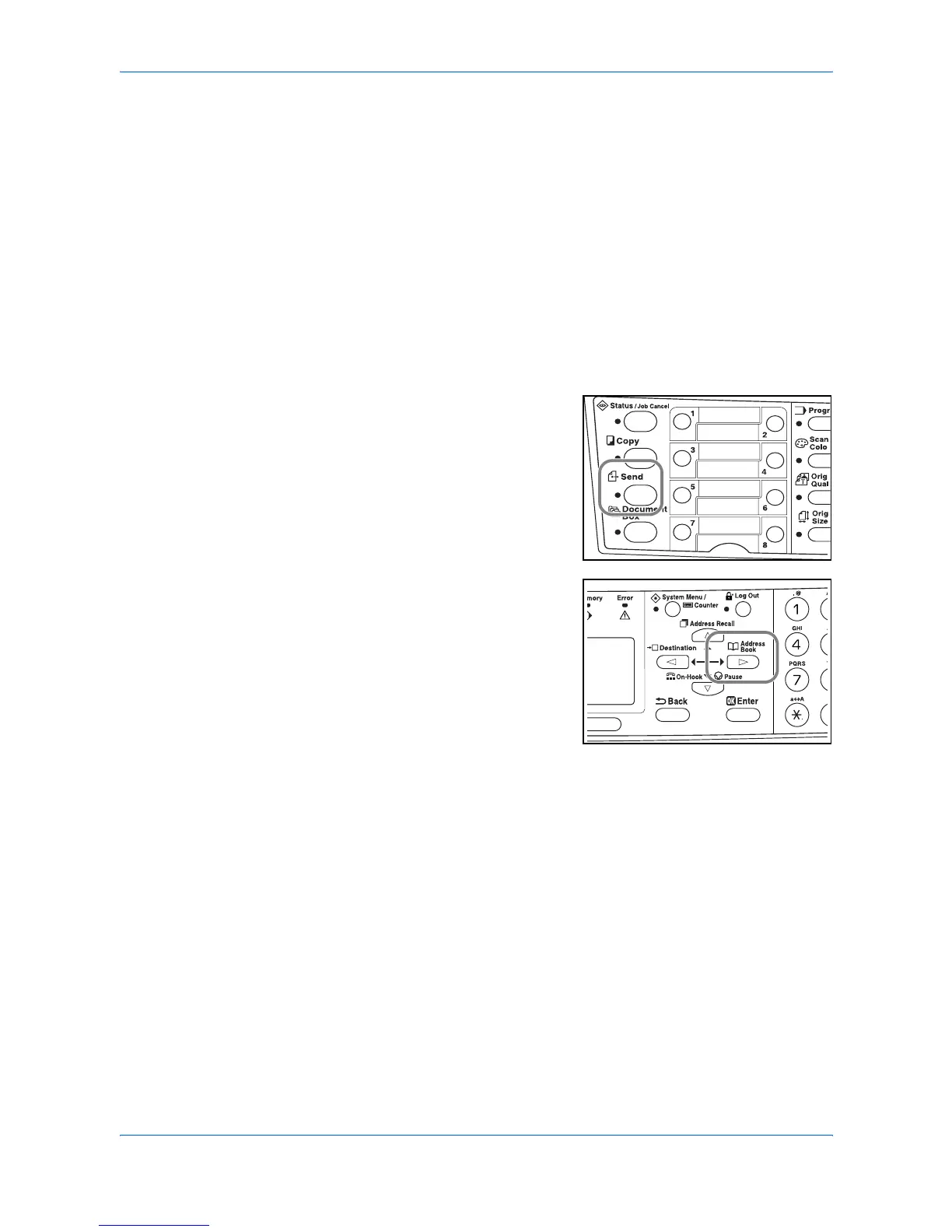
Recipient Selection from Address Book
1
Press Send.
2
Press X.
3
Press S or T to select a desired name.
4
Press Enter.
5
Press S or T to select the folder.
6
Press Enter. Login User Name input screen is displayed.
7
Enter the login user name and press Enter. If you also have a domain name, enter
it after the user name.
8
Enter the login password and press Enter.












 To Next Page